Account and recovery
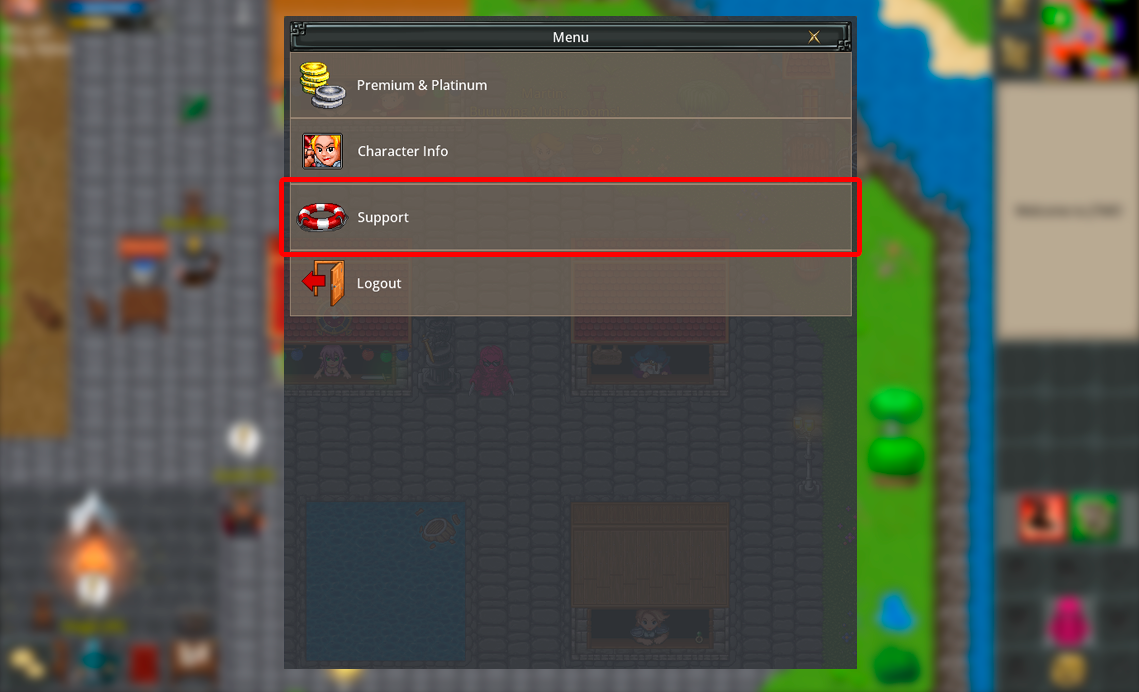
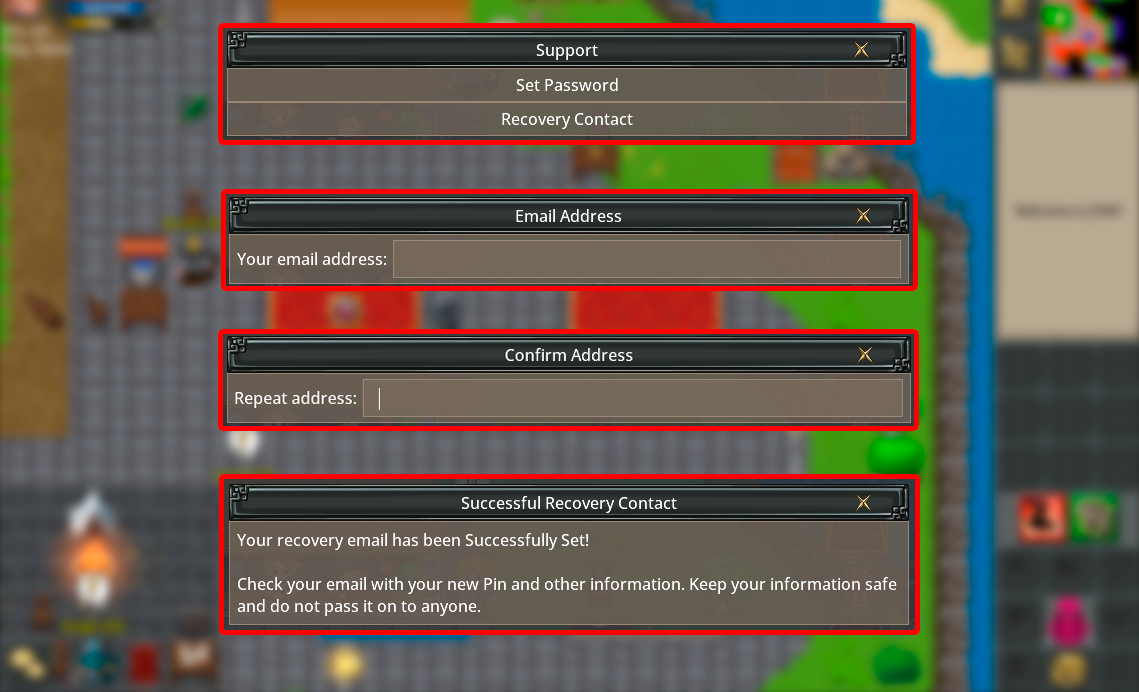
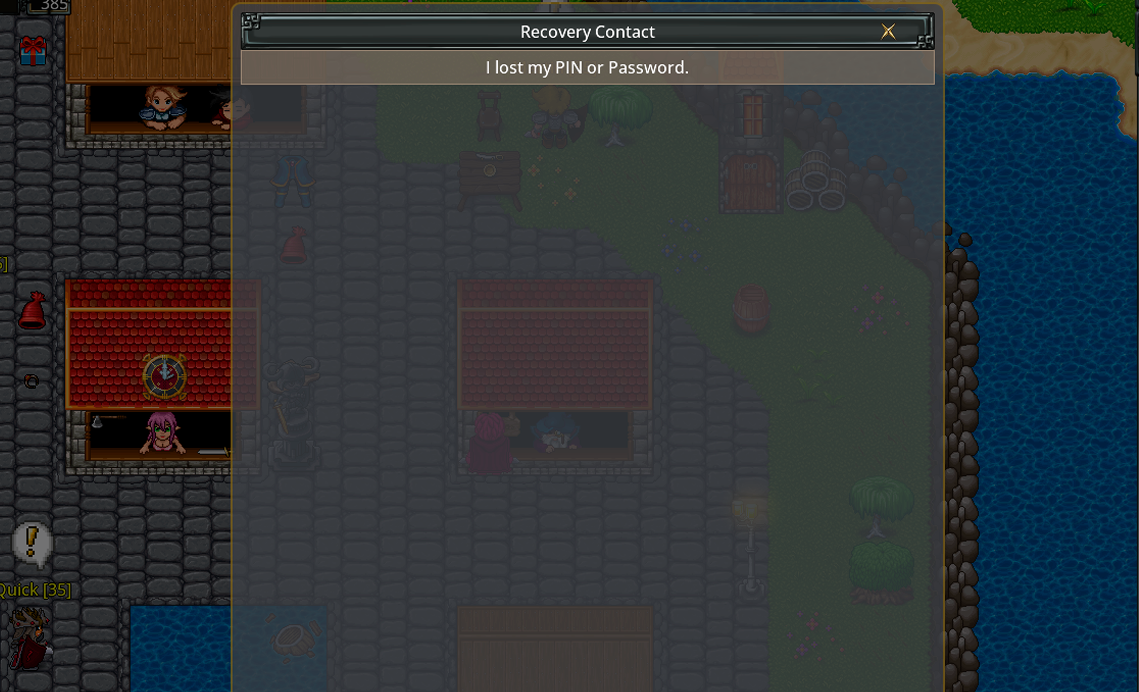
Create, register via email, and recover an account.In the menu, open the Support section and select Recovery Contact.
Enter a valid email address twice to set it.
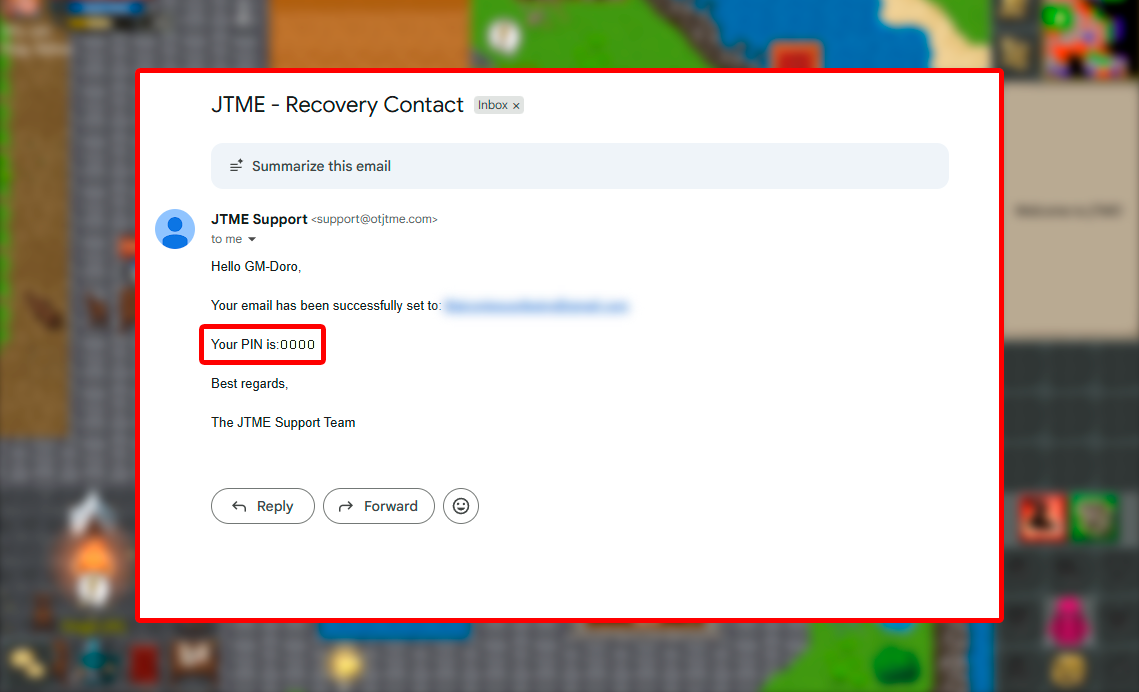
You will receive a PIN code in your email — remember, this is your account security code.
Do not share it with anyone.
You'll need this code to change your password or update your recovery email in the
future.
To recover your password or account, make sure your account is already
registered with your email.
If it's not linked to an email, recovery won't be possible.
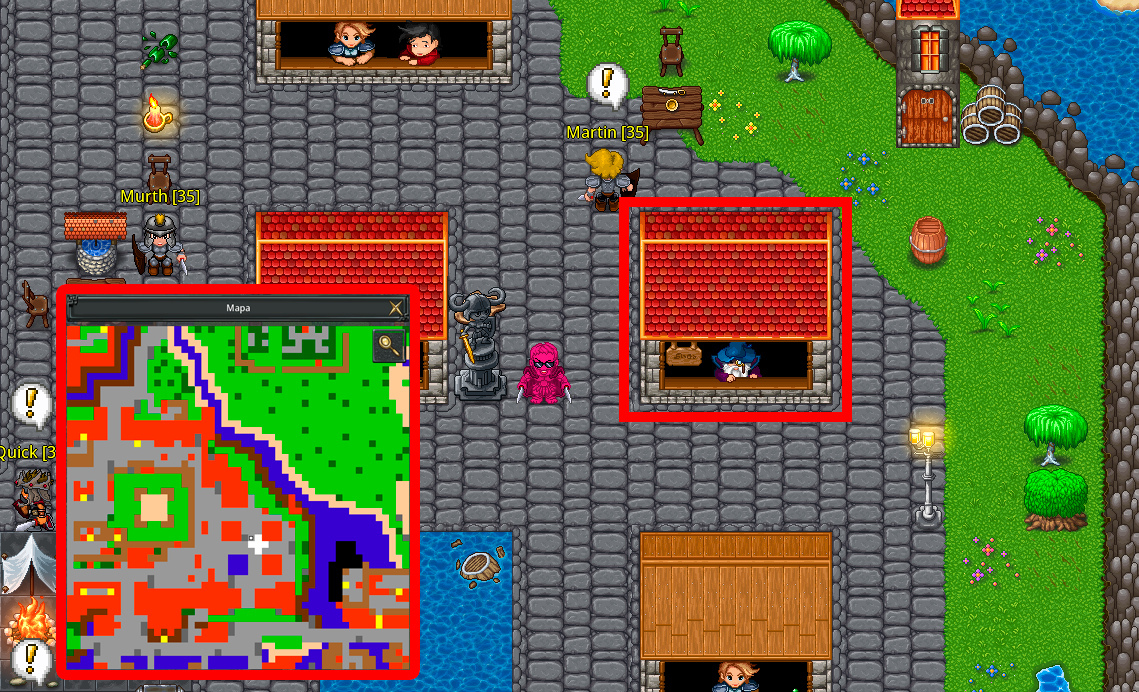
To start the process, go to the Recovery House in Aurea.
You can use another account to do this — that's not a problem.
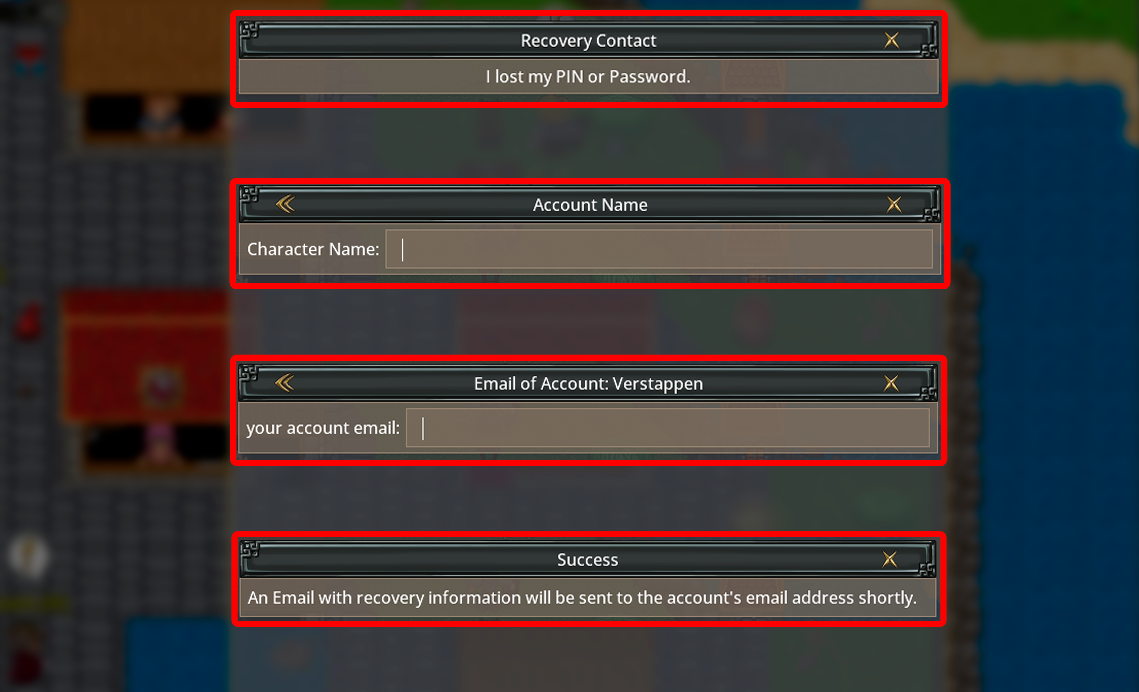
You'll need to provide the account name and the registered email.
In a few moments, you'll receive a new password and PIN in your email.
Remember: this only works if your account is already registered with your email.
Gameplay Tips
Practical tips every player should know.If you break any rule, you may be punished and sent to Jail.
The duration of your punishment is decided by the Game Masters.
While in Jail, you'll remain locked inside until your sentence ends.
You cannot use the global chat and will be muted during this time.
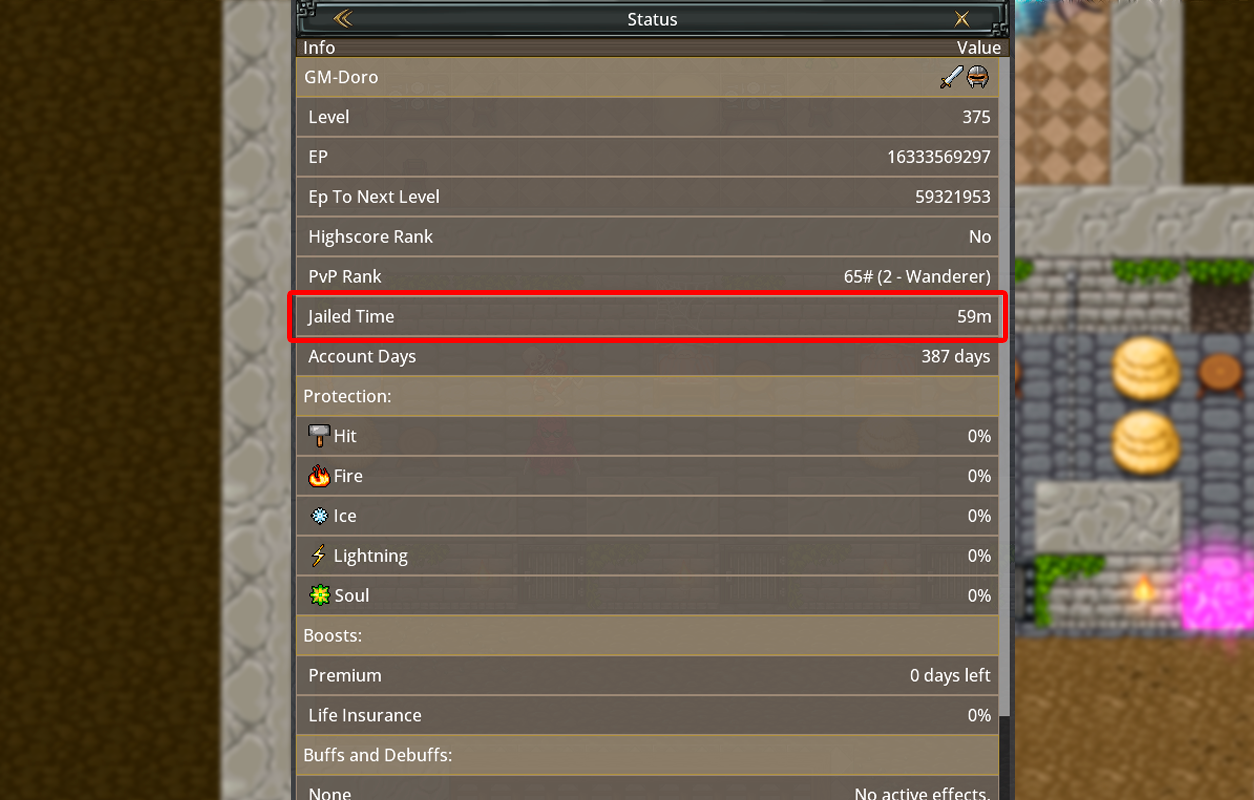
The only way to leave Jail is to wait until your punishment timer expires (shown in your status)
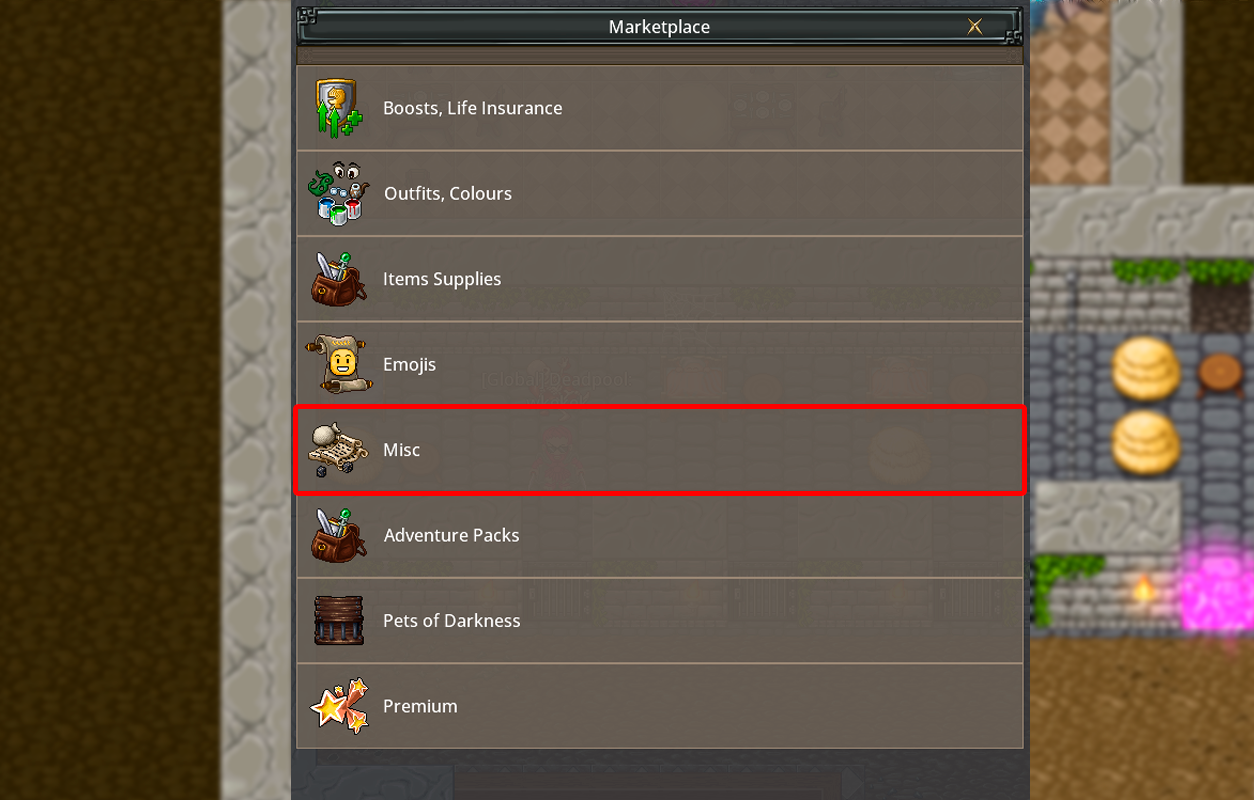
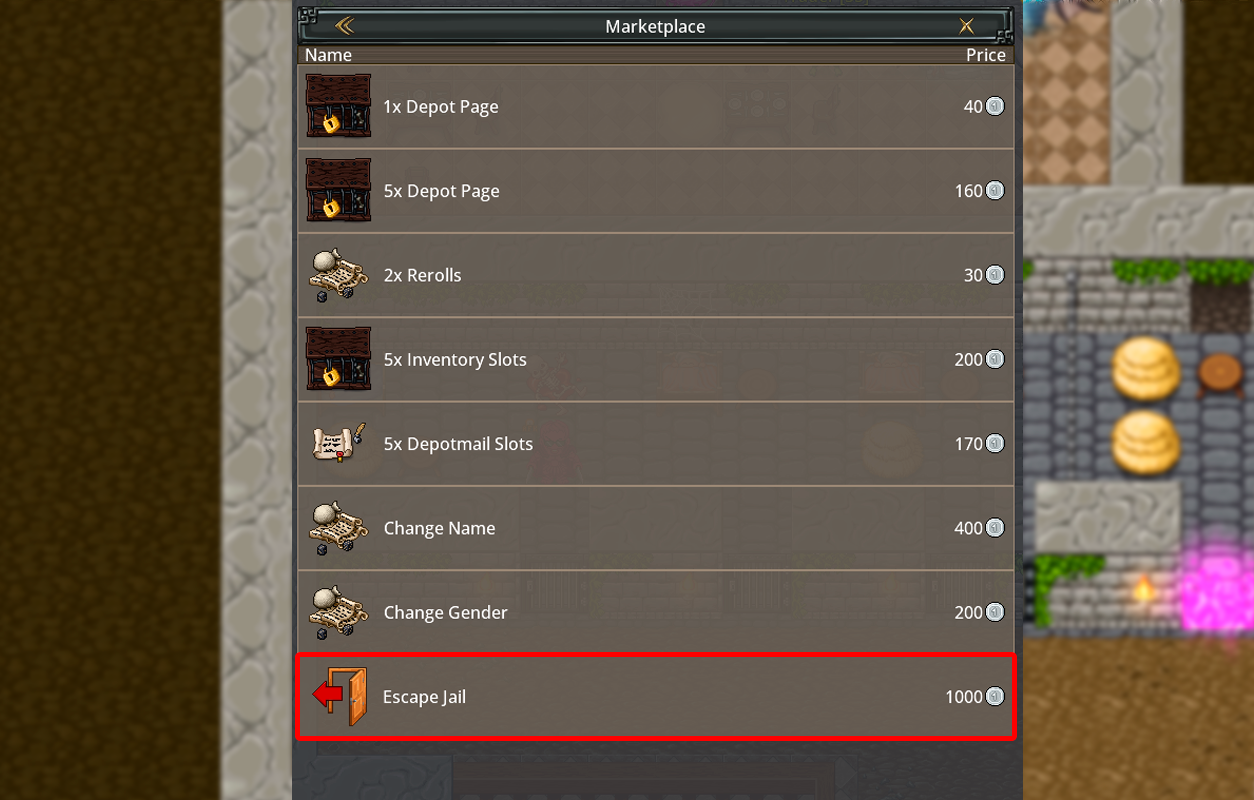
or pay bail by purchasing the Escape Jail item available in the Shop.
Always remember: follow the rules to avoid being sent to Jail.
There are two official ways to buy Platinum in the game:
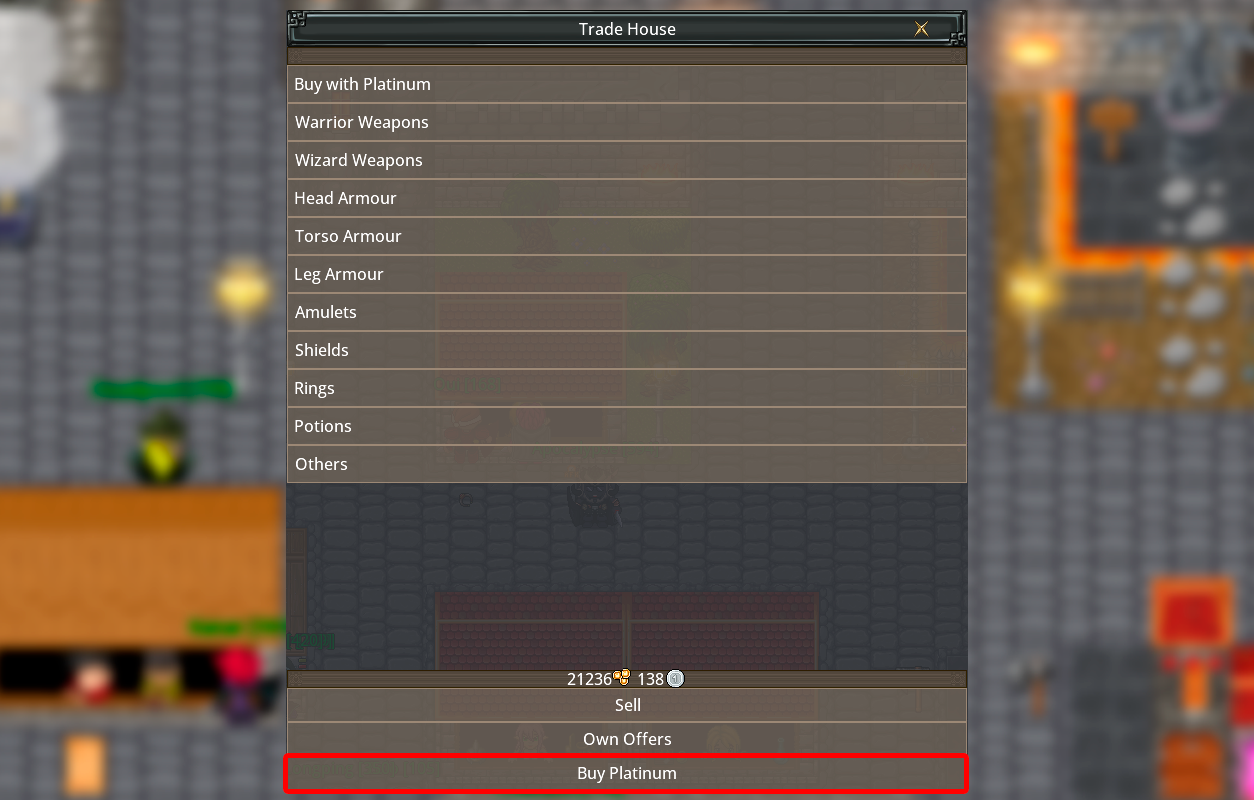
1. You can buy Platinum with gold directly through the Trade House.
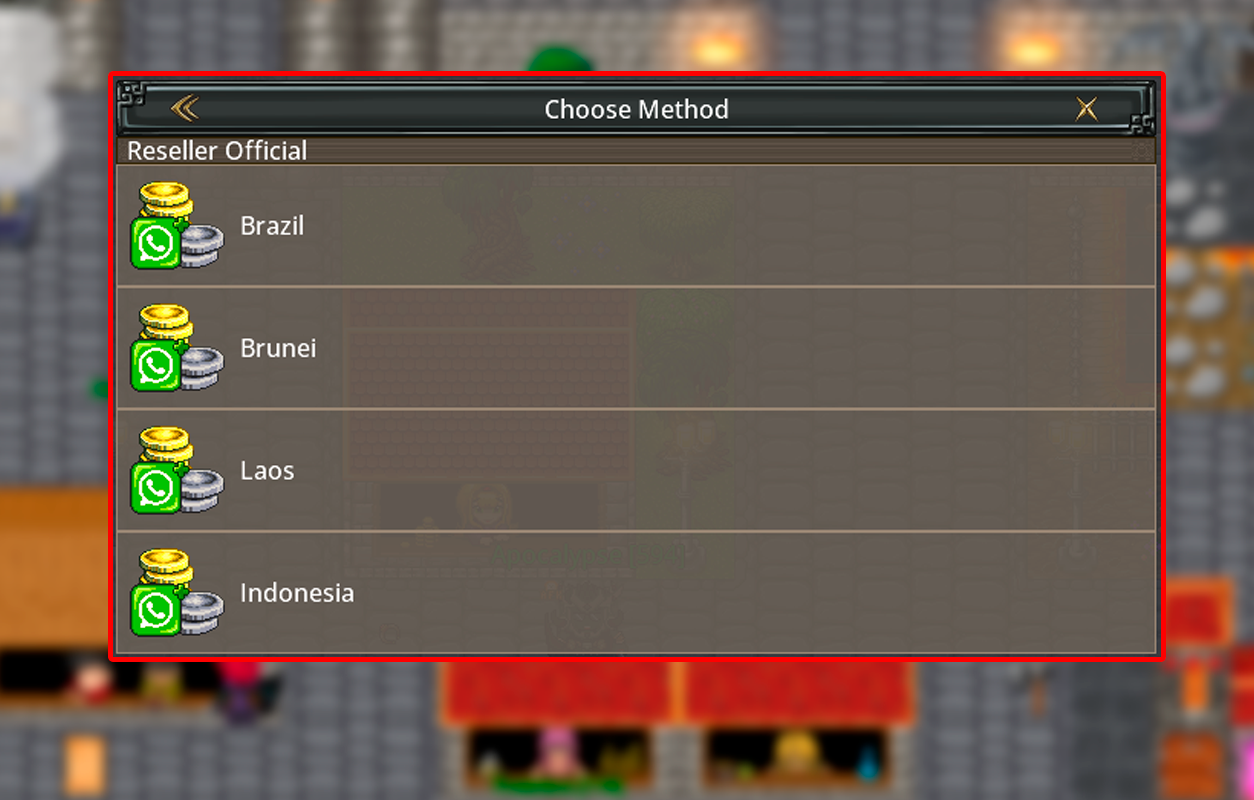
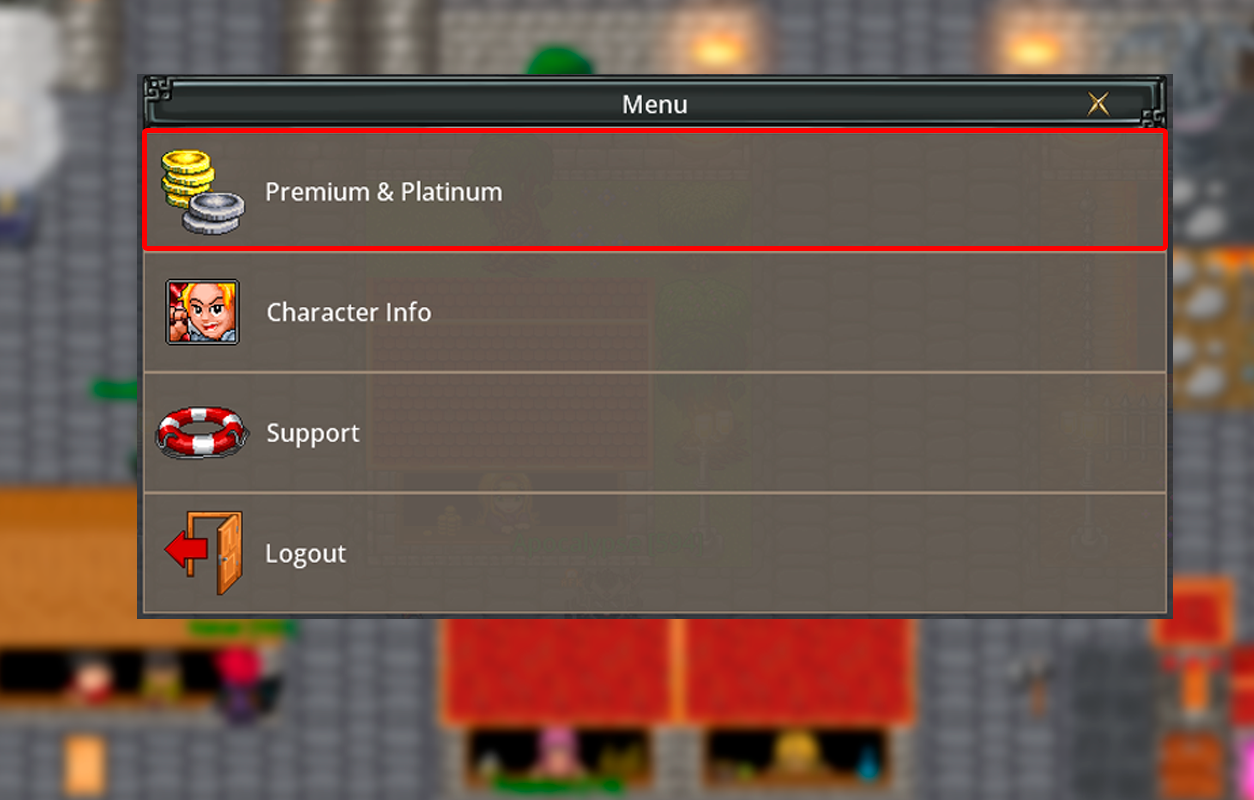
2. You can purchase it from an official Platinum Master reseller by opening the Platinum &
Premium
menu and selecting a reseller from your country.
Remember: these are the only official methods to buy Platinum. Never trust any other
source or player offering Platinum through unofficial means.
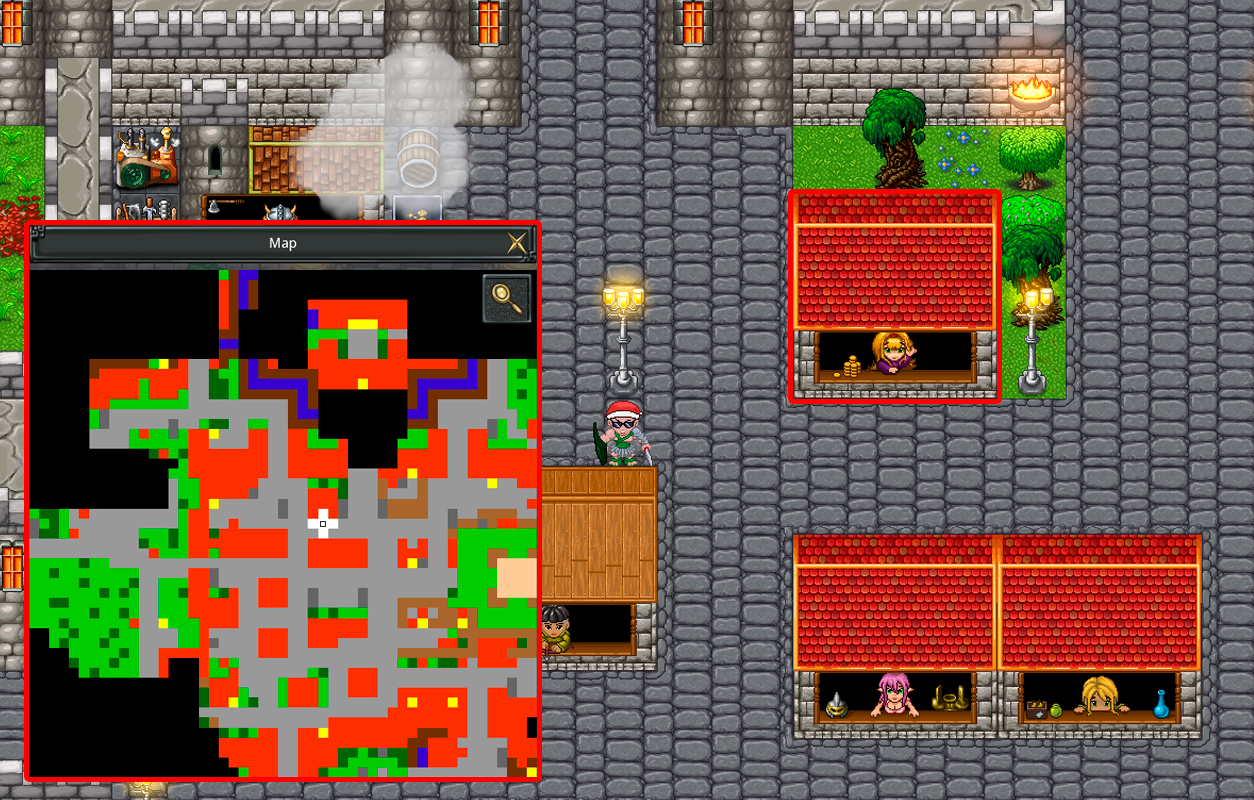
1. Go to any Trade House in the city.
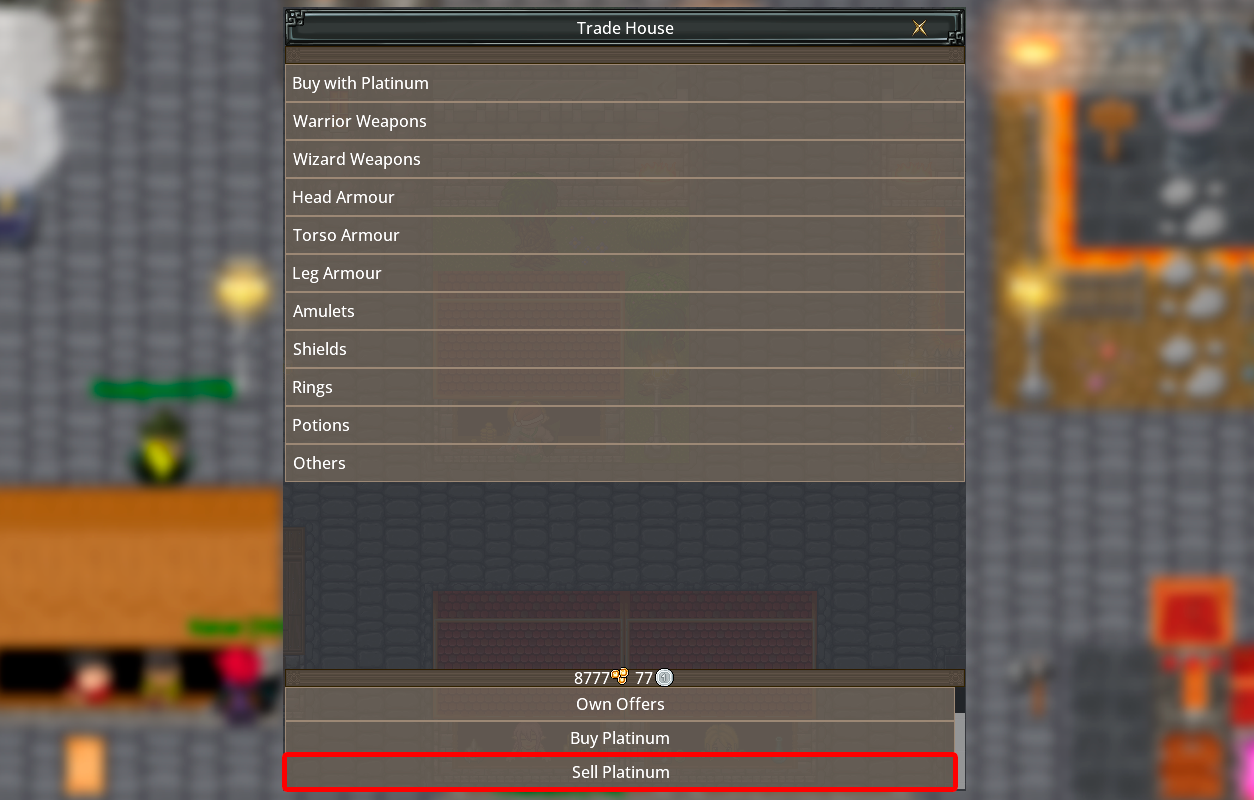
2. On the bottom menu, choose the option "Sell Platinum."
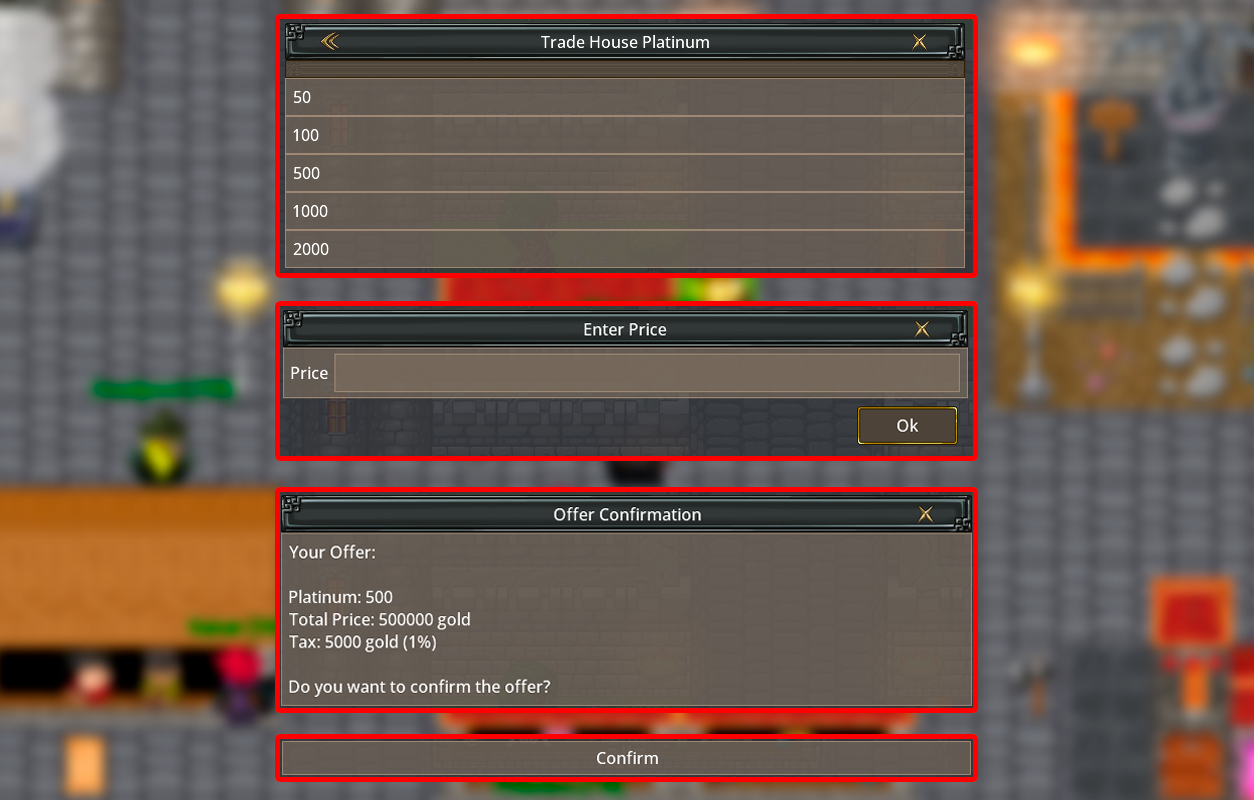
3. Enter the amount of Platinum you want to sell.
4. Set the total price in Gold for your offer.
5. Confirm your offer — it will appear in the market list for other players to buy.
Remember: You can also trade Platinum directly with other players, but it's safer to
use the official Trade House system.
How can I buy Premium, and what are the
advantages?
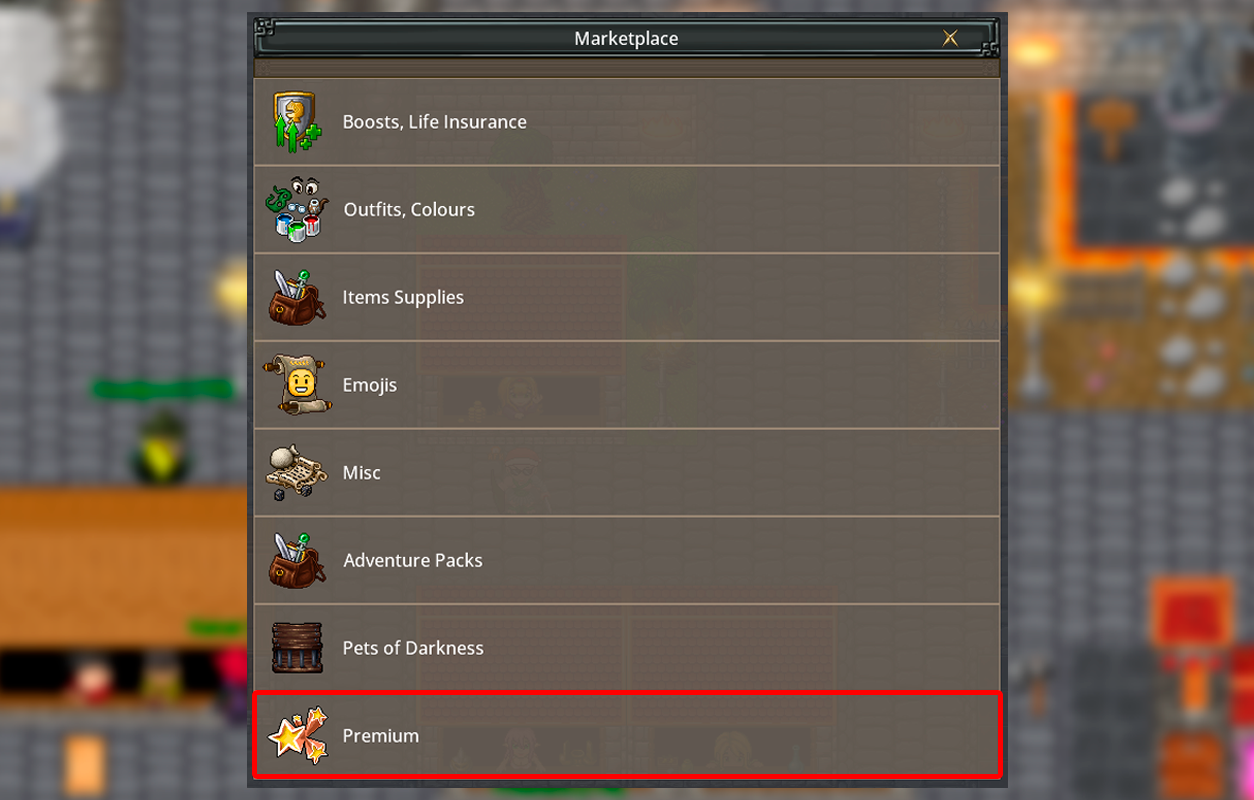
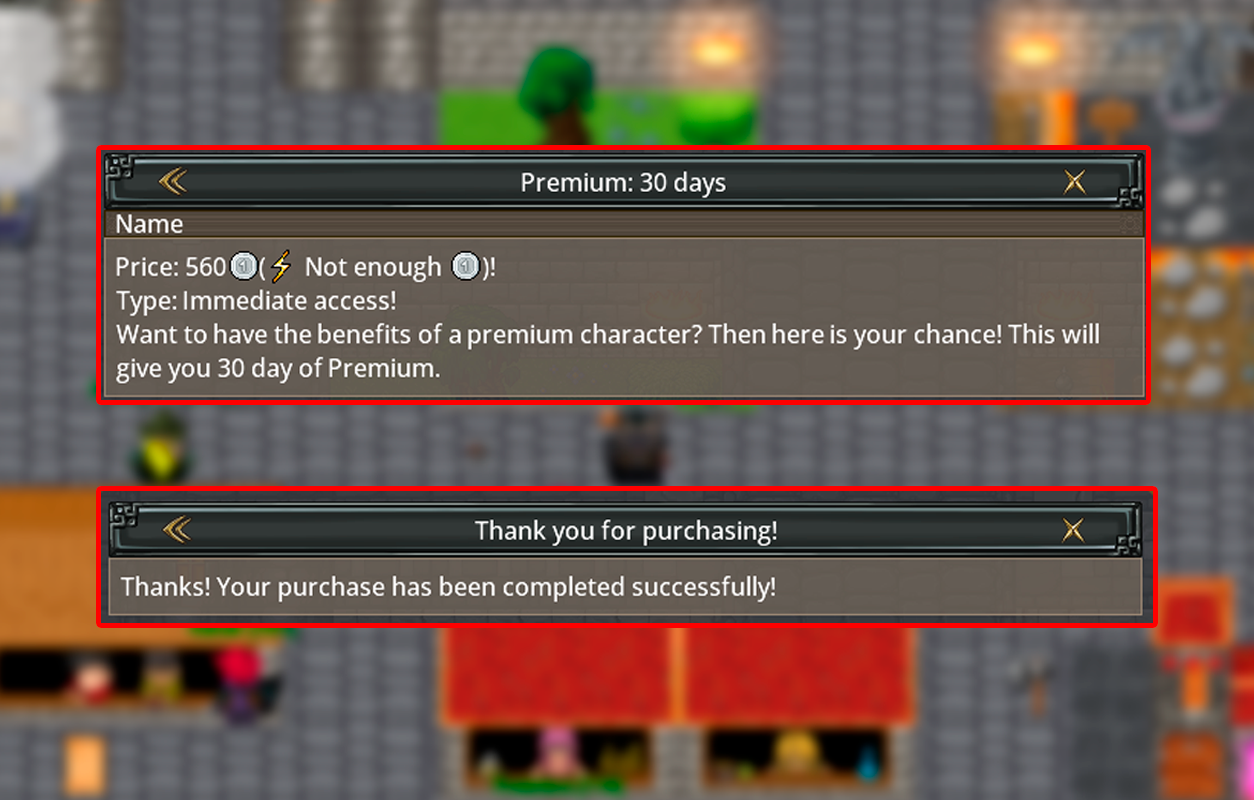
To buy Premium, open your character's Platinum Shop and choose between 7 days or 30 days of
Premium time. Once activated, your account will instantly gain access to Premium features and
bonuses.
Premium Benefits:
1. +25% bonus experience from monsters.
2. Ability to use the Bank system to transfer or receive Gold and Platinum.
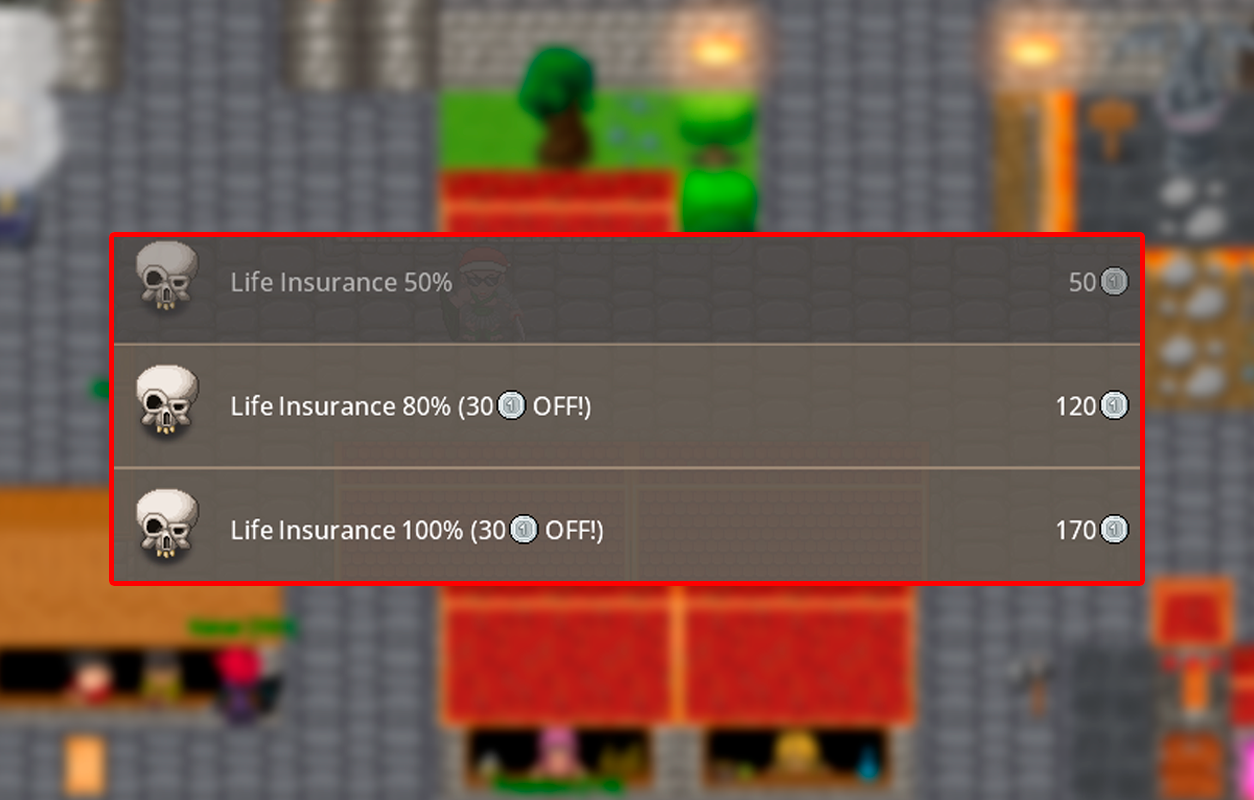
3. Includes a 50% life insurance, active only while your Premium status is valid.
4. Exclusive discount on Life Insurance and Recover.
5. Access to Premium areas.
6. Increases to 6 your available trade house slots.
Tip: Premium is optional but provides valuable bonuses, protection, and comfort for
dedicated players.
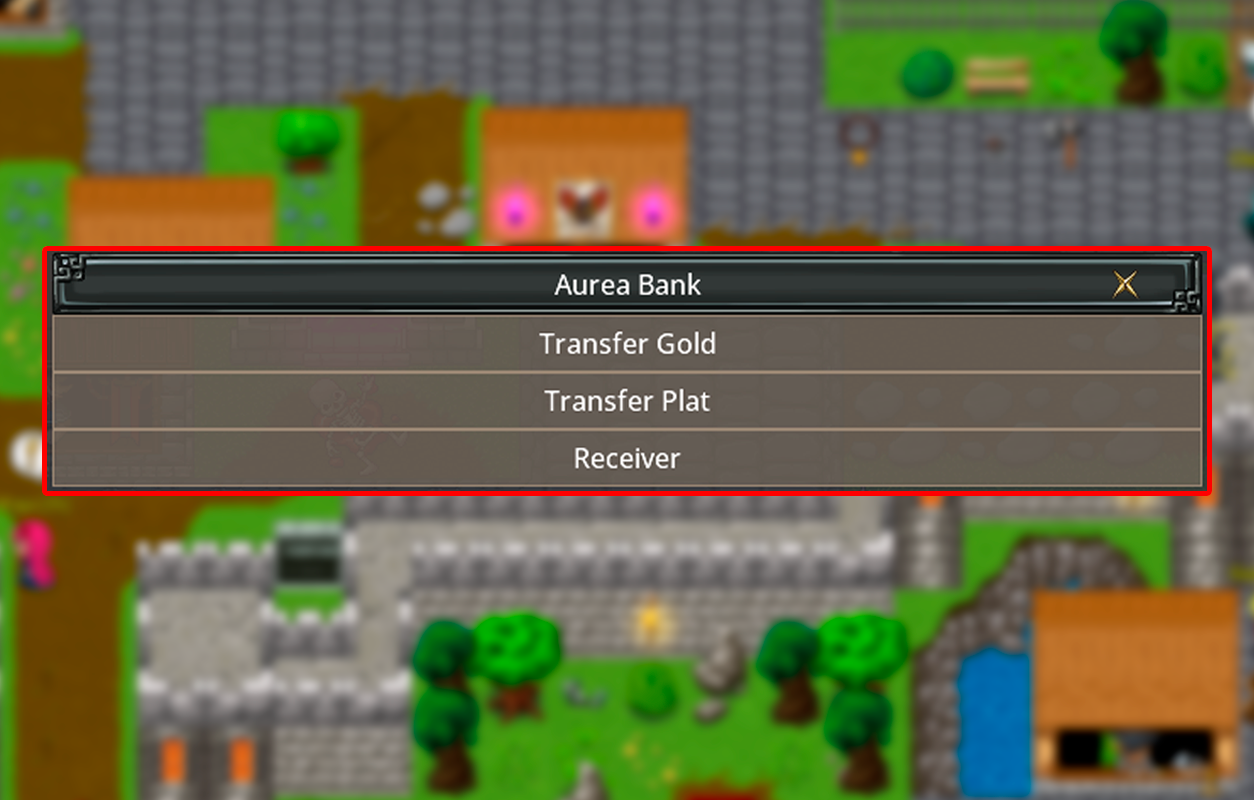
To transfer gold or Platinum, both players must be inside the Bank.
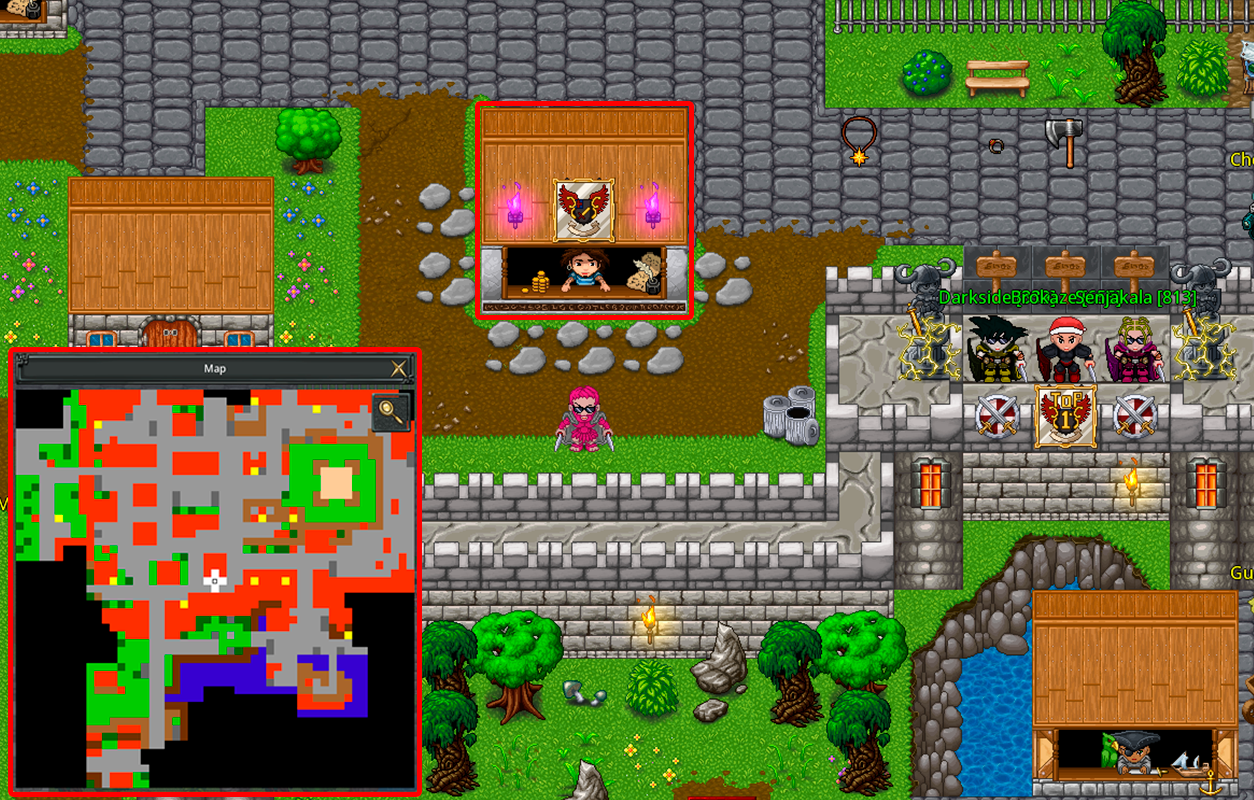
1. The player who will receive the transfer must enter the Bank and select the option to
receive.
2. The player who will send the Gold or Platinum must also enter the Bank, select Transfer Gold or
Transfer Platinum, and then choose the player who will receive it.
Requirement: To use the bank for receiving or transferring, your character must be level
80 or higher and have an active Premium account.
Remember: the transfer will only work if both players are inside the Bank. If one of
them leaves, the transaction cannot be completed.
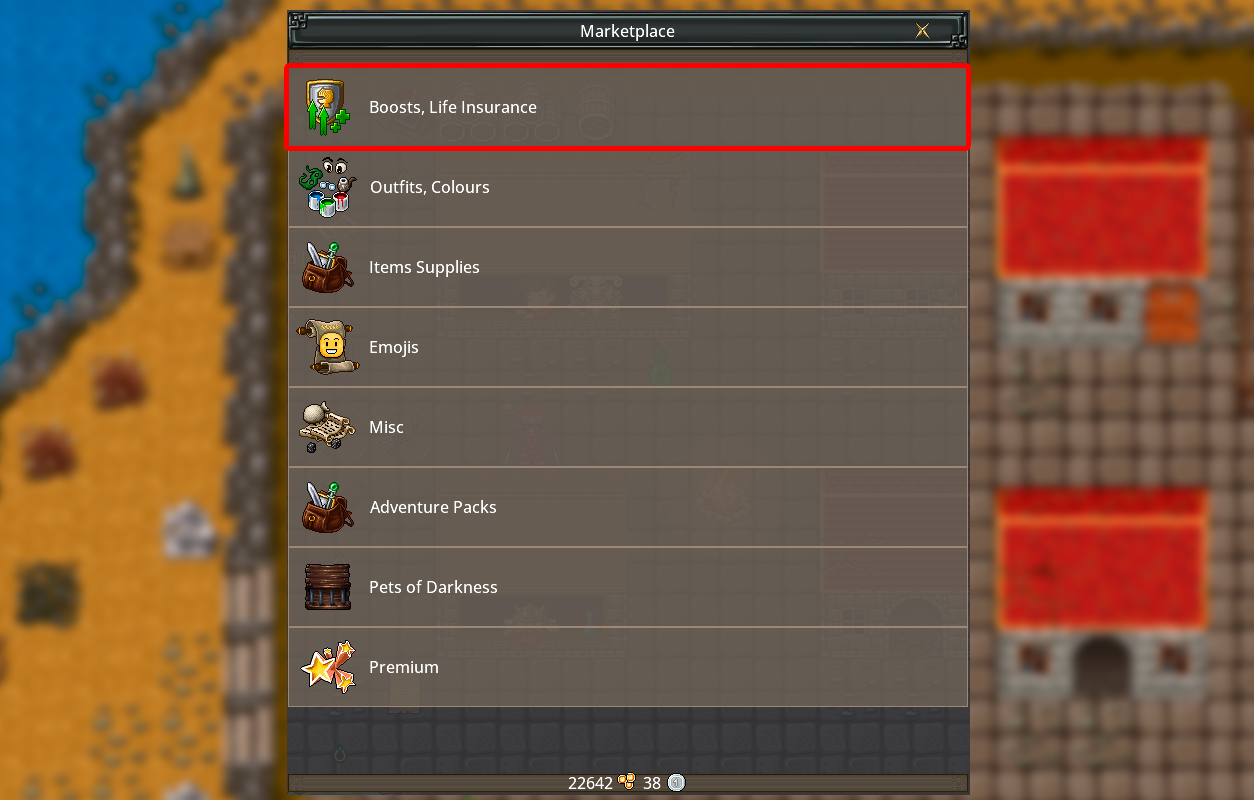
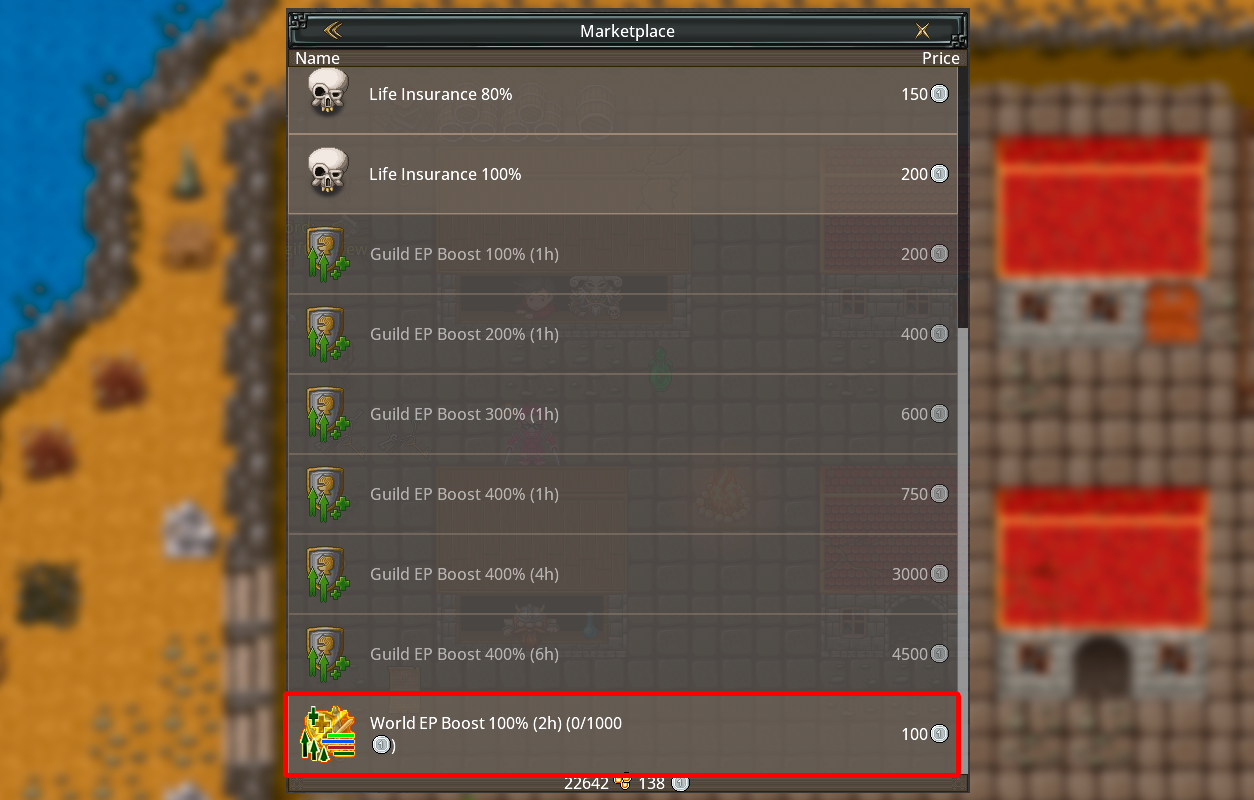
The World Boost is a global system where players can activate a server
boost by contributing Platinum through the Marketplace.
Each purchase costs 100 Platinum, and the total goal to activate the boost is 1000 Platinum. When
the total contribution reaches 1000 Platinum, a 100% World Boost is activated for 120 minutes.
During this time, all players on the server receive the bonus effects from the
boost.
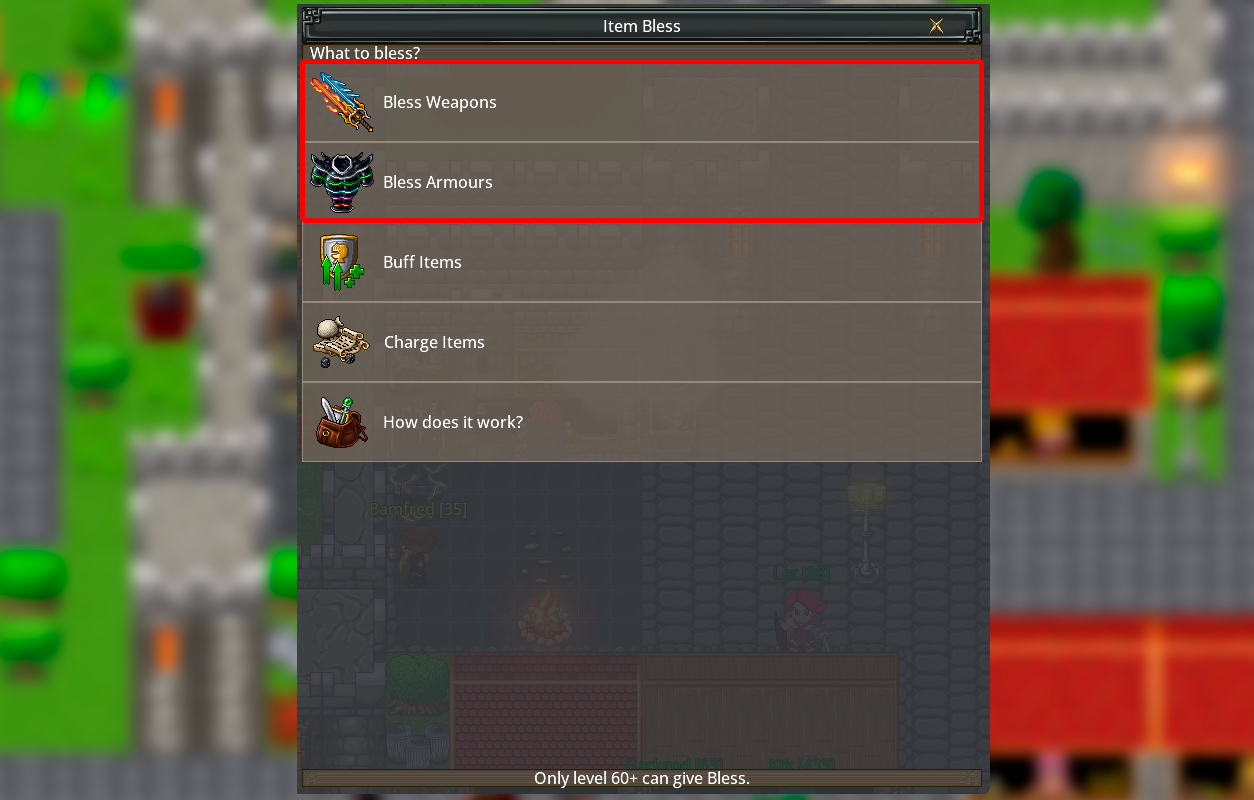
The Item Bless system allows players to upgrade specific weapons and
armors to increase their power. This feature is available for the following items:
Weapons: level 119, 129, 139, and 149. Armors: level 79.
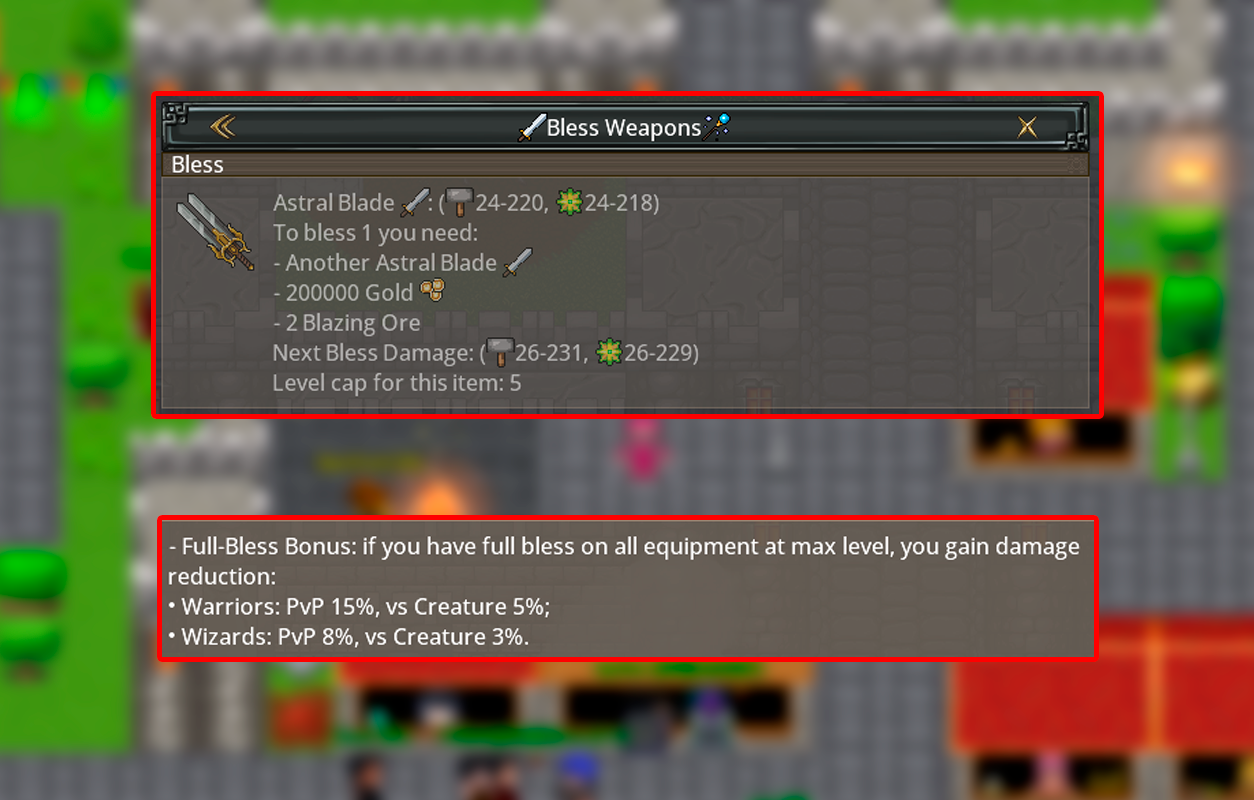
Each Bless level adds +5% bonus damage to the item. Some items can reach up to Bless +5.
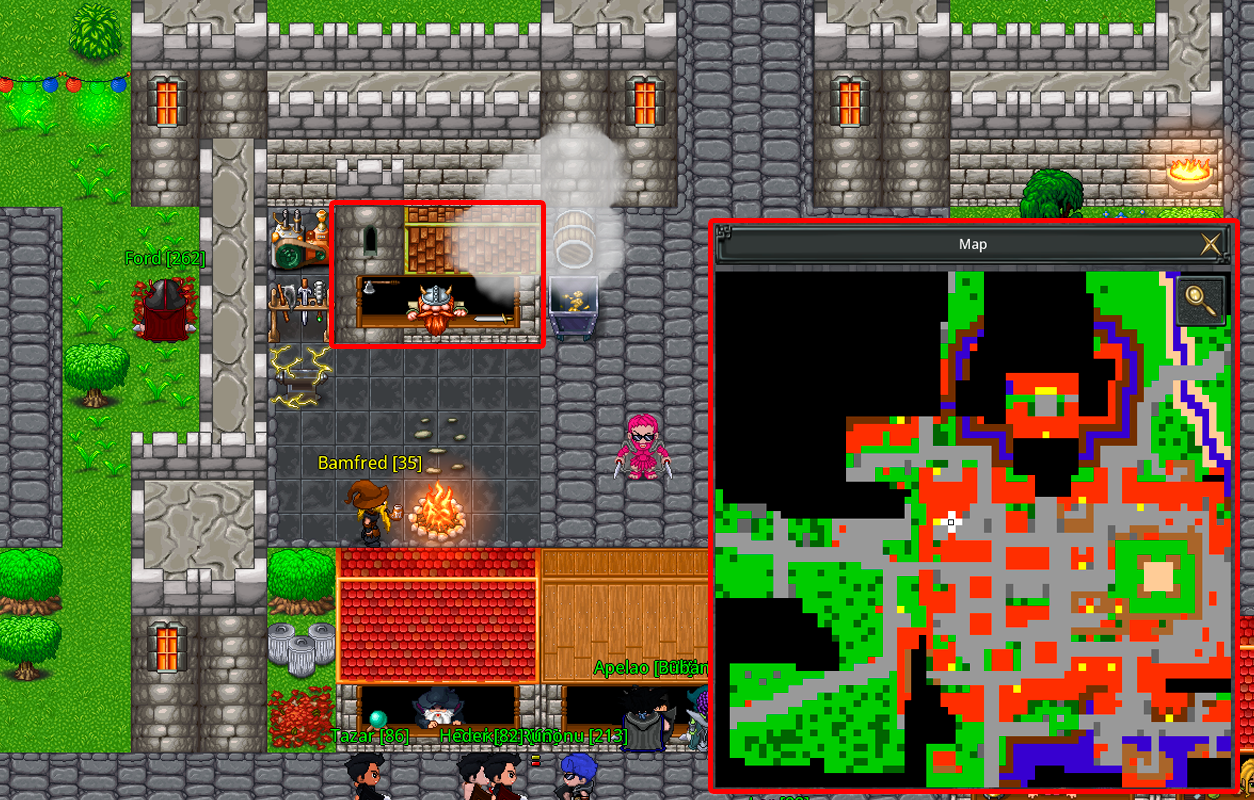
To bless an item, your character must be level 60 or higher. Visit the Bless Shop in Aurea and
follow these requirements:
• You need 2 of the same item, or 2 items with the same Bless level.
• Each Bless upgrade requires 2 Ores and a certain amount of Gold, which increases with each
level.
• The damage value used during the bless process will always be taken from the stronger (higher
damage) item.
When your item reaches the maximum Bless level, your character's total damage will also
receive an additional boost, making you even stronger in battle.
PK System
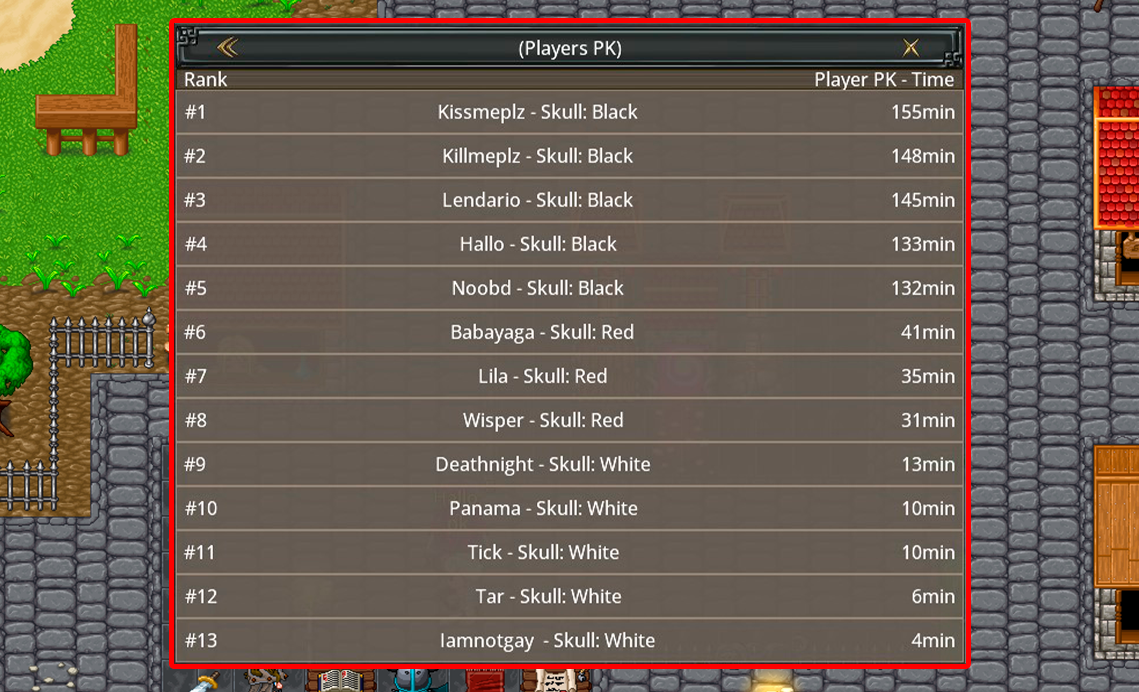
How does the PK (Player Killer) system work?The PK System is active weekly from Tuesday's Server Save to Friday's
Server Save (BRT).
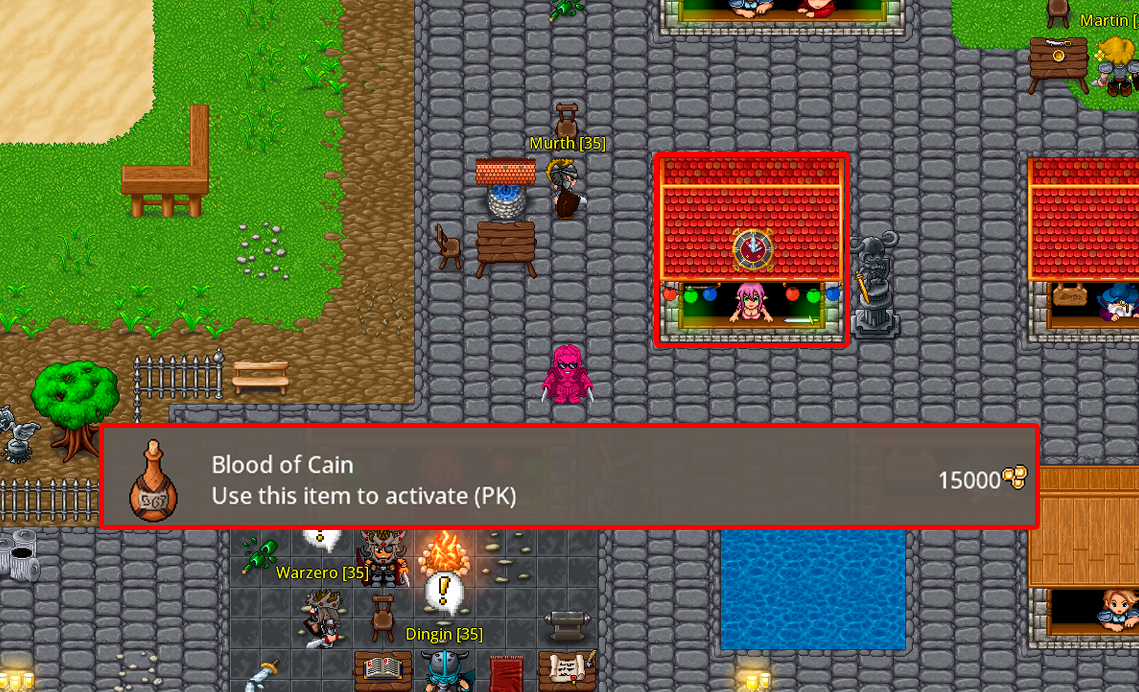
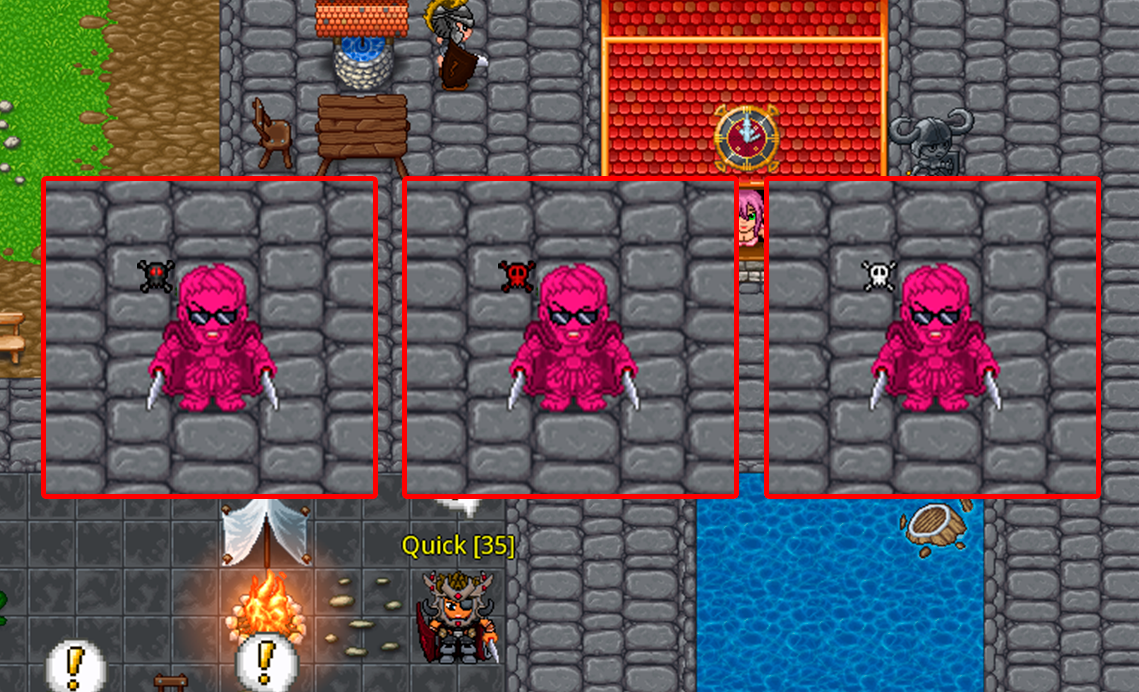
To activate PK mode, use the item Blood of Cain, which grants a White Skull for 7 minutes.
Combat is allowed against other Level 300+ players outside safe zones (unless the opponent also
has PK active, which allows combat inside Protection Zones).
Warning: PK status significantly increases your chance of dropping items upon death.
Scoring more kills will extend your skull duration and may upgrade it to a Red Skull and Black
Skull.
Remember: To participate, you must be Level 300 or higher; players below this level
cannot attack or be attacked.
Hall of Honor (PVP RANK)
Everything you need to know about the server's PvP ranking system.It is the server's PvP ranking system. By killing other players, you accumulate Honor Points and Kills, rank up, and can become a valuable target for other players.
The ranking is ordered by total kills — not by Honor Points. This is because honor points are a currency you can spend in the store. The player with the most kills is the true warrior.
They are points earned for every valid kill. They can be spent in the honor store to purchase exclusive items: Buffs, Debuffs, and Outfits exclusive to the PvP Ranking, as well as other special items coming soon.
Each valid kill grants points calculated as follows:
- Base per kill: 10
- Level bonus: The higher the victim's level, the more you earn.
- Bonus for killing an active PK: +15
- Bonus for killing a hunted target: The more kills the target has, the more points you will earn.
Level 300. Below this level, you neither gain nor lose kills, and you also do not appear as a valid target. (You are excluded from the PvP Ranking).
Ranks reflect your kill history — they only increase as you accumulate more kills over time.
You lose all your kills and drop back to the Newbie rank. This is the system's maximum penalty — every death matters.
There is no kill penalty. You only lose your current kill streak.
It's the counter for consecutive kills without dying. When you accumulate 5 consecutive kills without dying, you become a hunted target — any eligible player can attack you anywhere, including within the Protection Zone. However, the hunted player cannot retaliate in normal zones, only in PvP zones.
When you reach 5 kills in a row, a broadcast is sent to the entire server announcing you as a target. Any level 300+ player can attack you, even in a PZ. Whoever kills you receives a bonus in Honor Points.
30 minutes of online time. Offline time does not count — if you log out, the timer pauses.
Your hunt expires, you are no longer a target, and your kill streak resets to zero. You also receive 50 points for surviving.
Yes. Any death (to a player or a monster) resets the streak to zero. You need to get 5 kills without dying to become a target.
Yes. While you are being hunted, the Protection Zone does not protect you.
In the Rankings menu, under Hunted Targets. The list is 100% real-time and shows the bonus you receive for killing each target.
A store where prices are paid in Honor Points instead of gold. The available items are exclusive and cannot be purchased any other way. The shield icon indicates that the item costs honor.
No. Honor Points are your accumulated currency and are never lost upon death. They only decrease when you spend them in the store.