
Before You Start
This tutorial requires an XAPK installer app from the Play Store. Make sure you have downloaded the JTME v2.41 XAPK file before starting.
Uninstall Current TibiaME
If you have any previous version of TibiaME installed, you need to uninstall it first .
Go to your device settings → Apps → TibiaME → Uninstall.
Install an XAPK Installer
Go to the Google Play Store and install an XAPK file installer app.
You can use any XAPK installer, but we recommend this one:
Download XAPK InstallerGrant Permissions
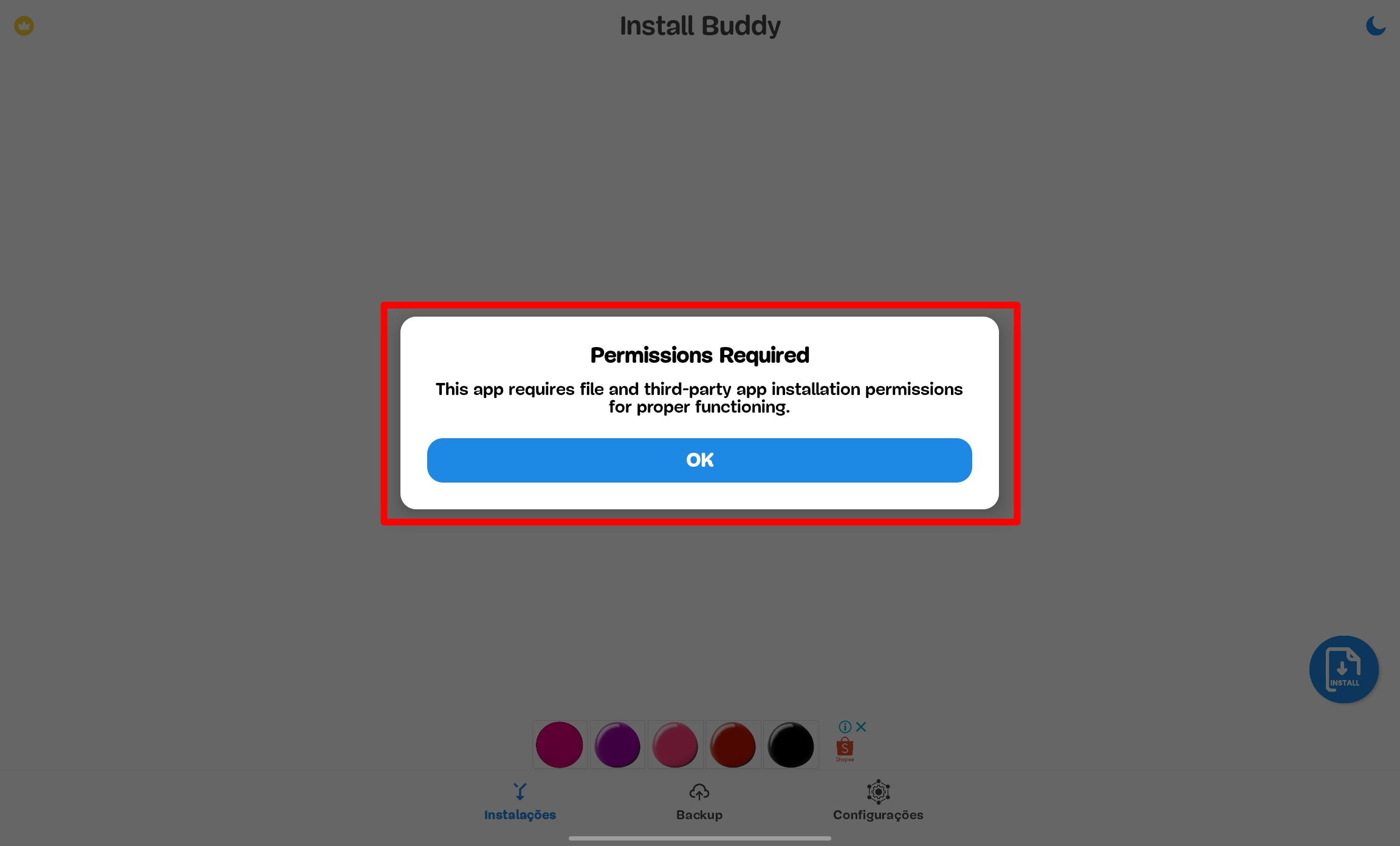
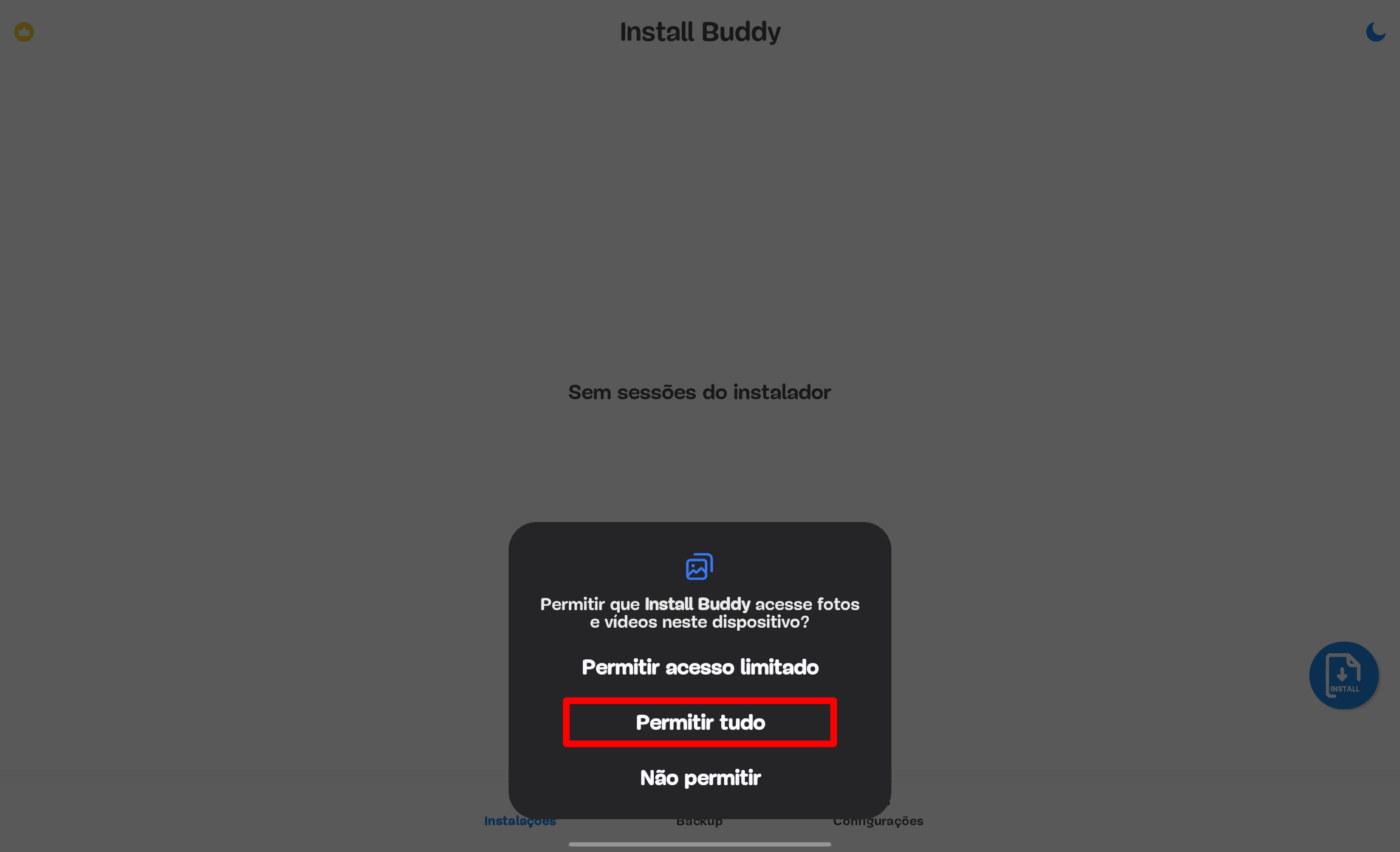
Open the XAPK installer app and grant all required permissions when prompted.
This is necessary for the installer to access your files and install the XAPK.
Click on "Install"
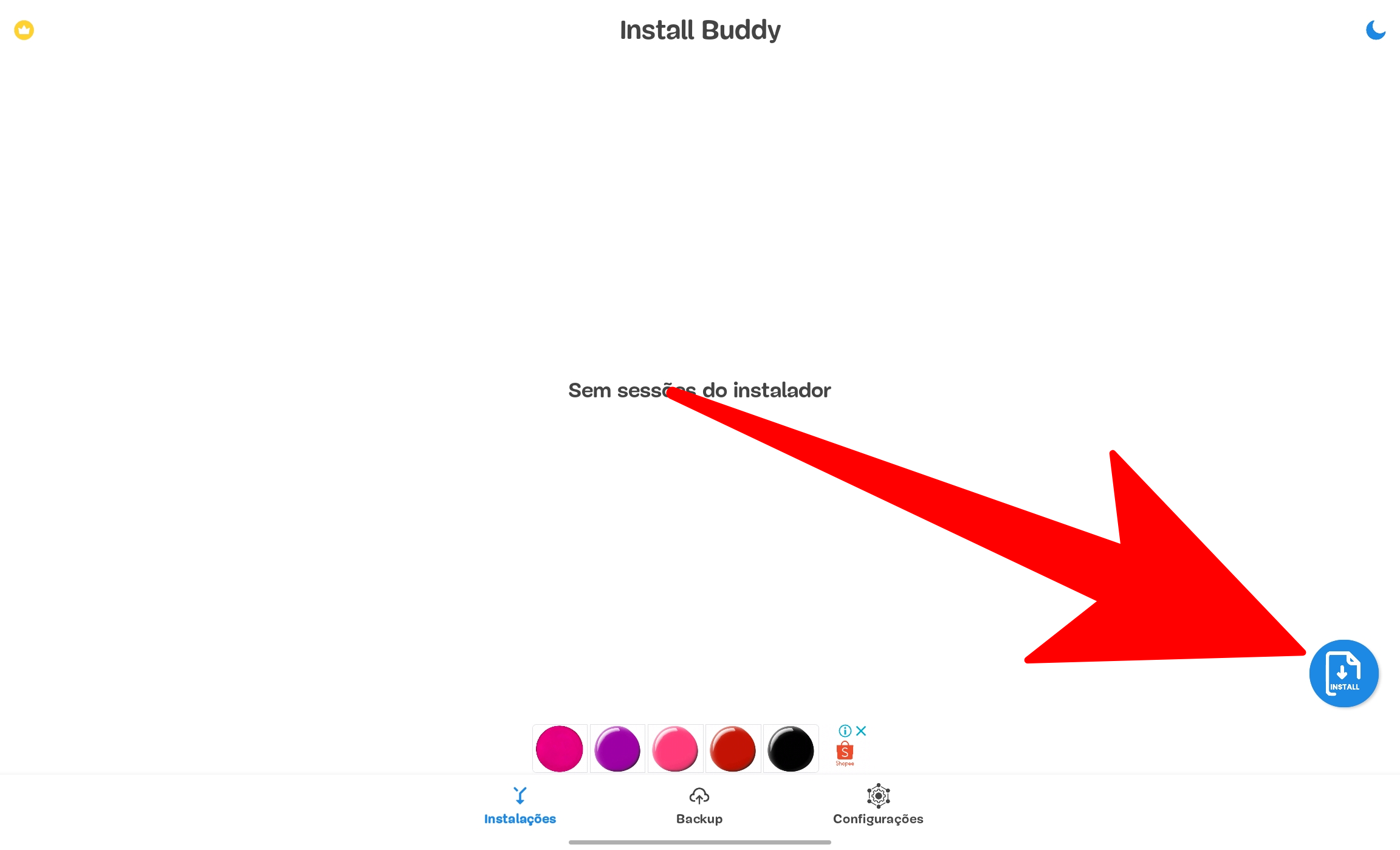
In the XAPK installer app, click on the round option called "Install" .
Select the XAPK File
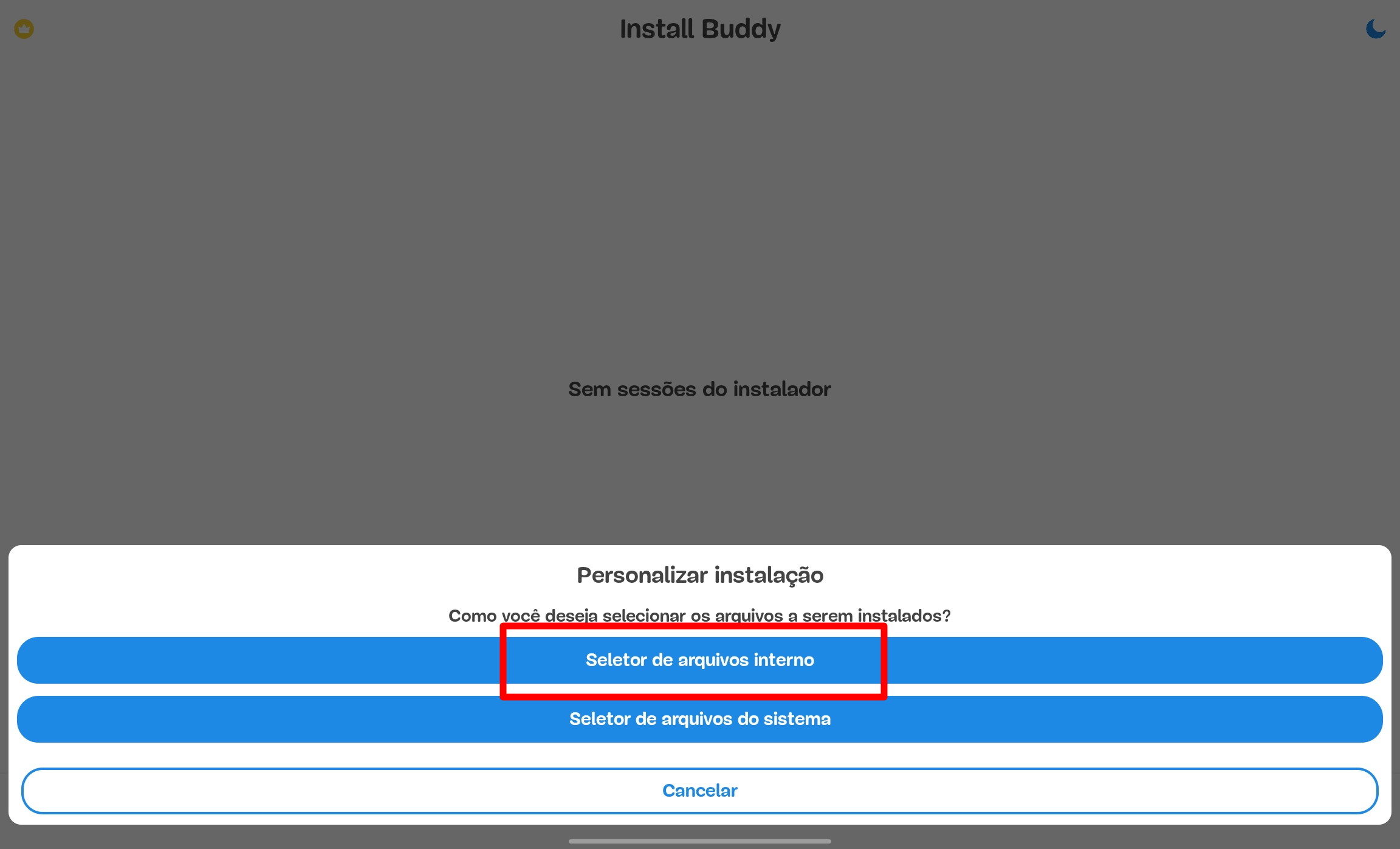
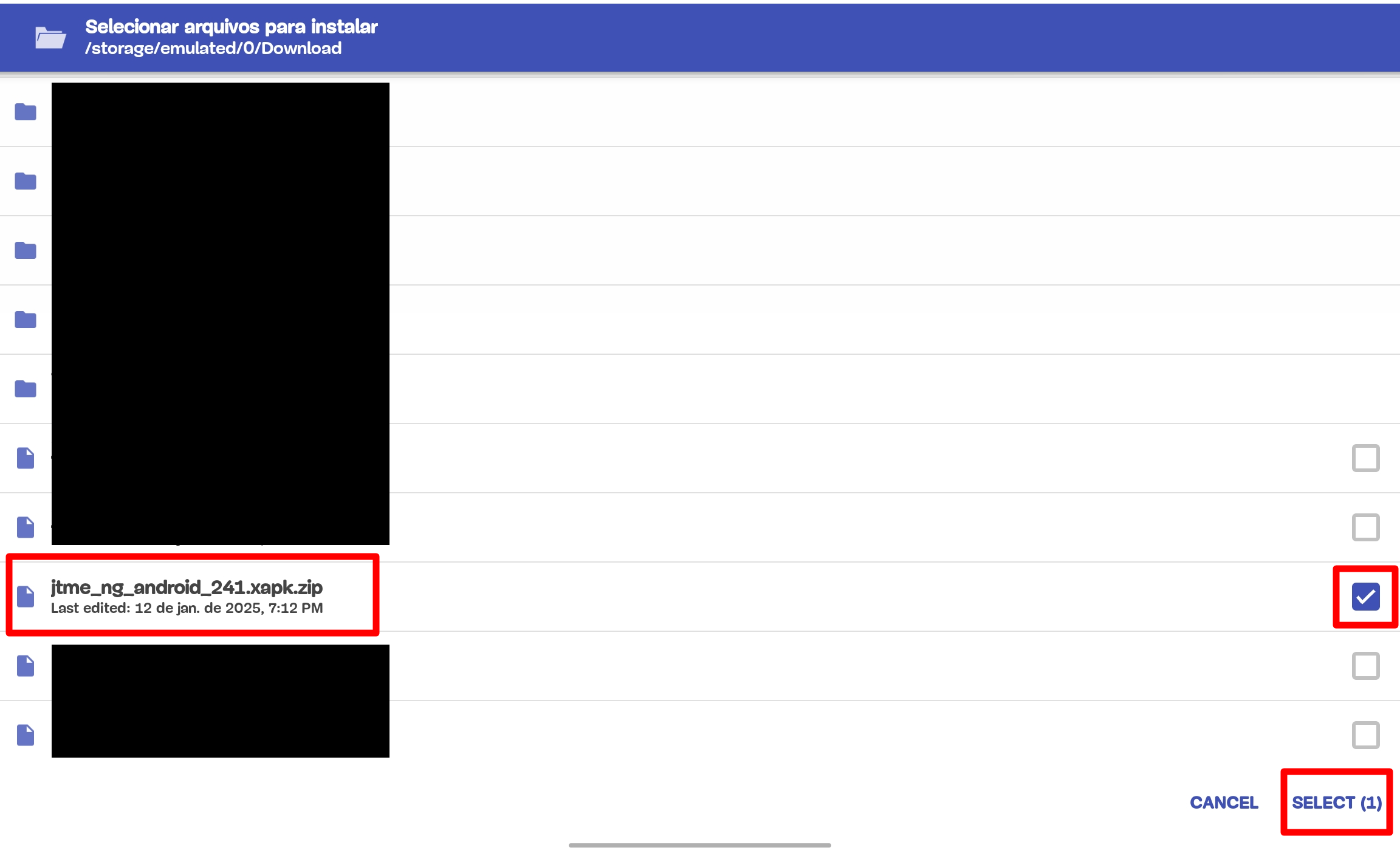
Click on "Internal File Selector" .
Navigate to the folder where you saved the JTME 2.41 XAPK file and select it.
Usually the file is in your Downloads folder.
Wait for Installation
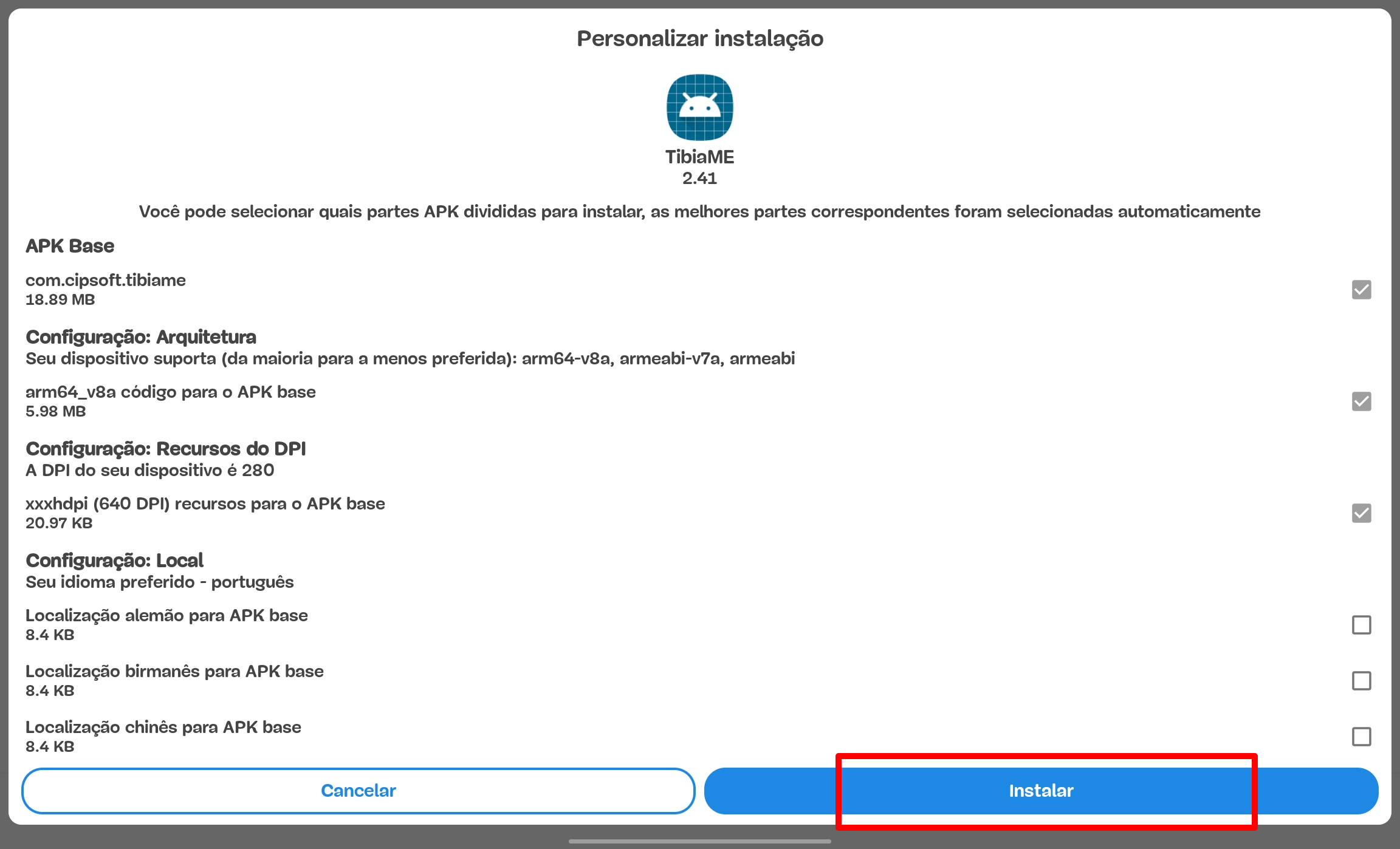
An option to install OT JTME will appear. Click Install and wait for the installation to complete.
This may take a few moments depending on your device.
Open JTME and Play!
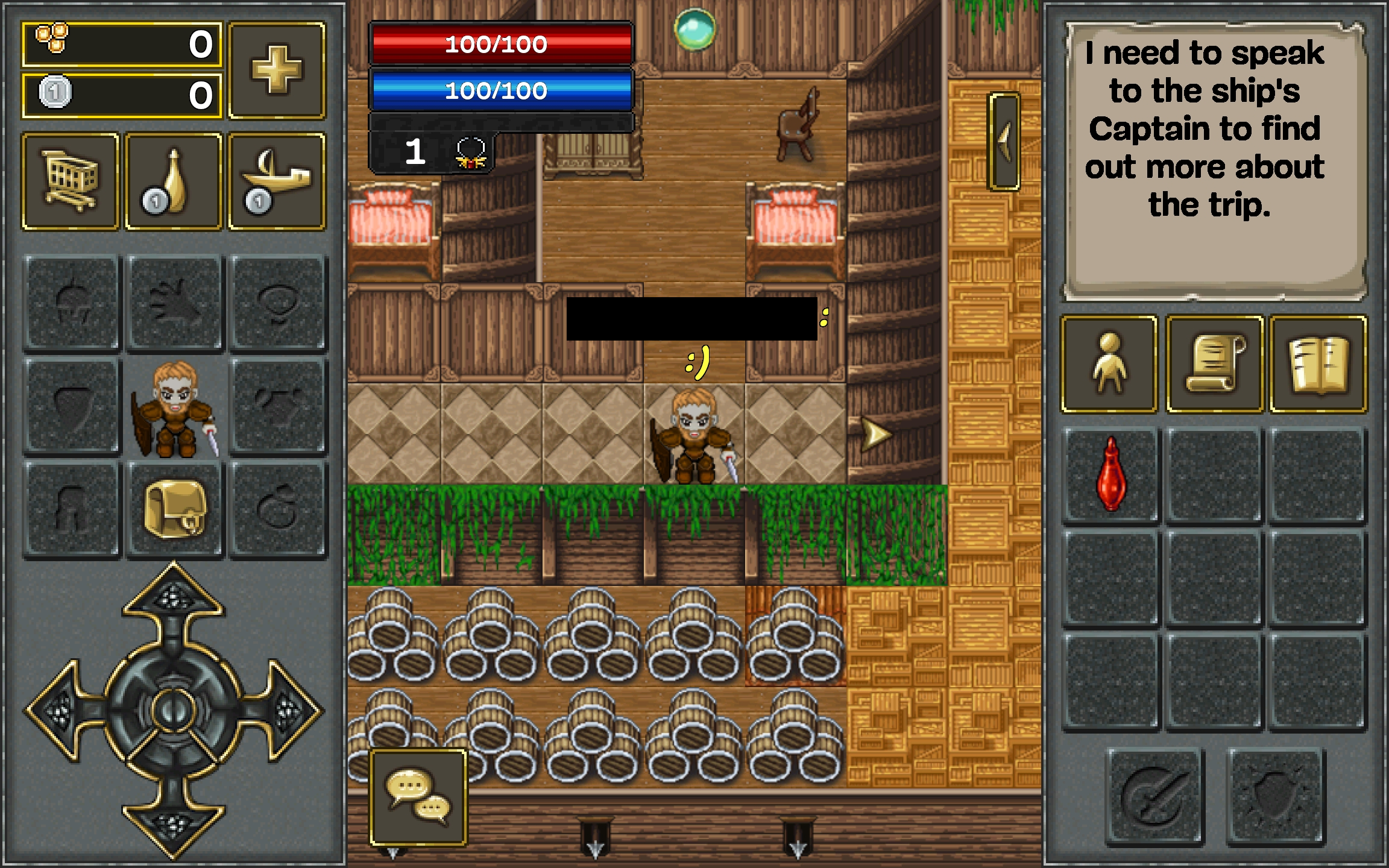
After installation is complete, you can open OT JTME .
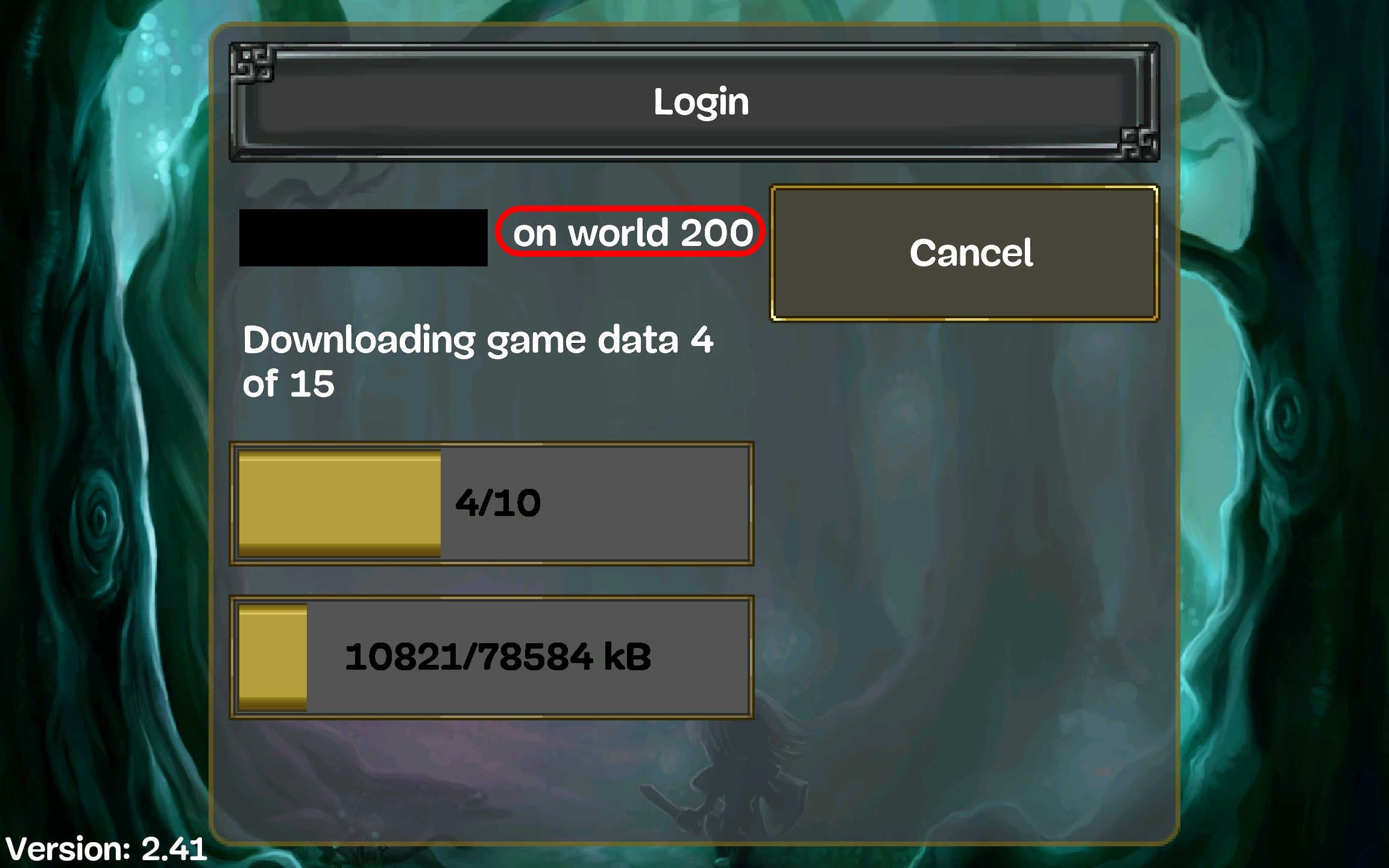
Log in or create your account in WORLD 200 and start your adventure!
Installation Complete!
You have successfully installed JTME v2.41 on your Android device. Have fun playing!
Back to Downloads