
Before You Start
Make sure you have downloaded the JTME v2.30 APK file from our download page. You may need to enable "Install from unknown sources" in your Android settings.
Create or Add an Account
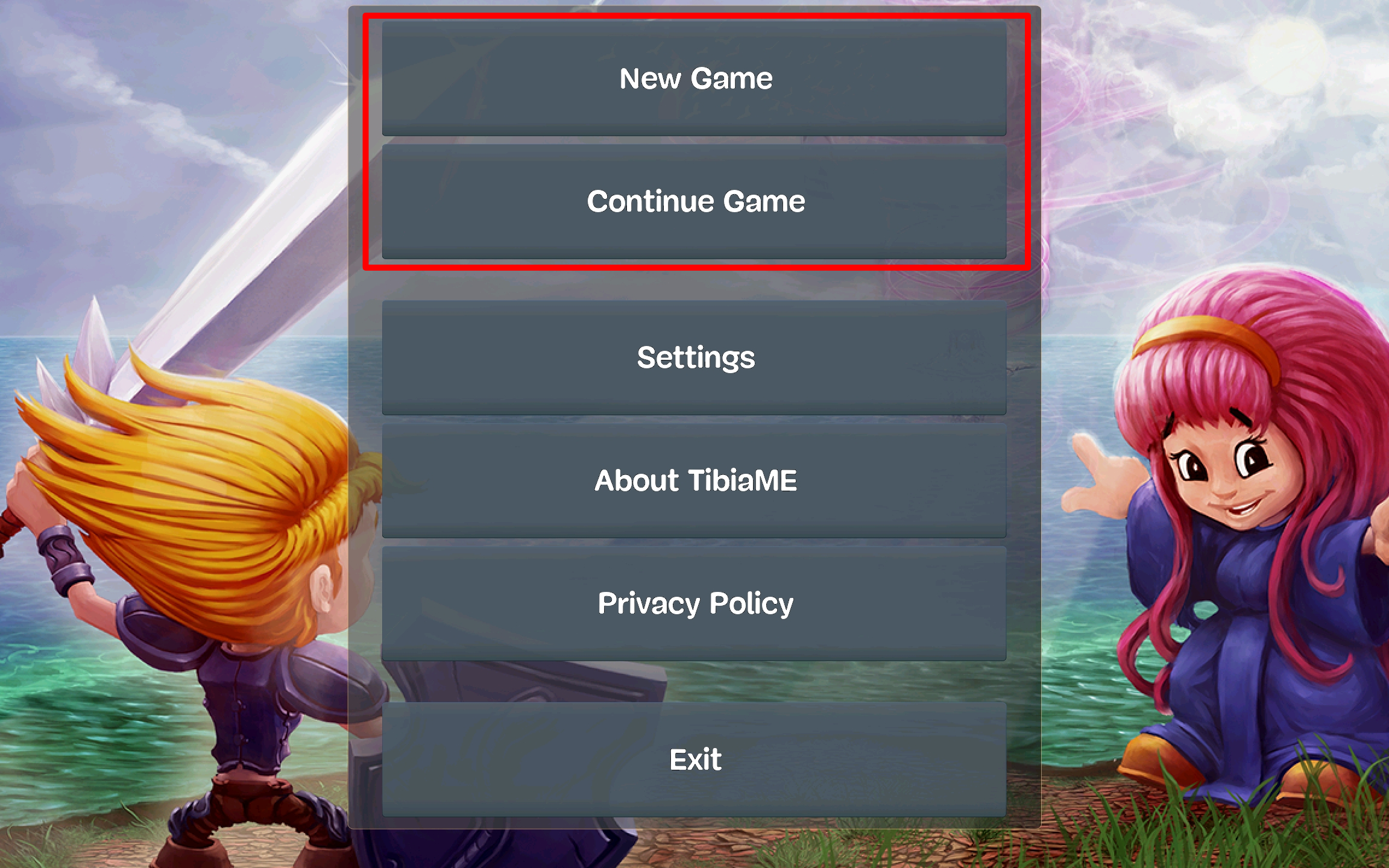
Open the JTME app after installation. On the login screen, you can either log in with an existing account or create a new one .
In this example, we will create a new account.
Choose Your Character Name
Enter your desired character name and password .
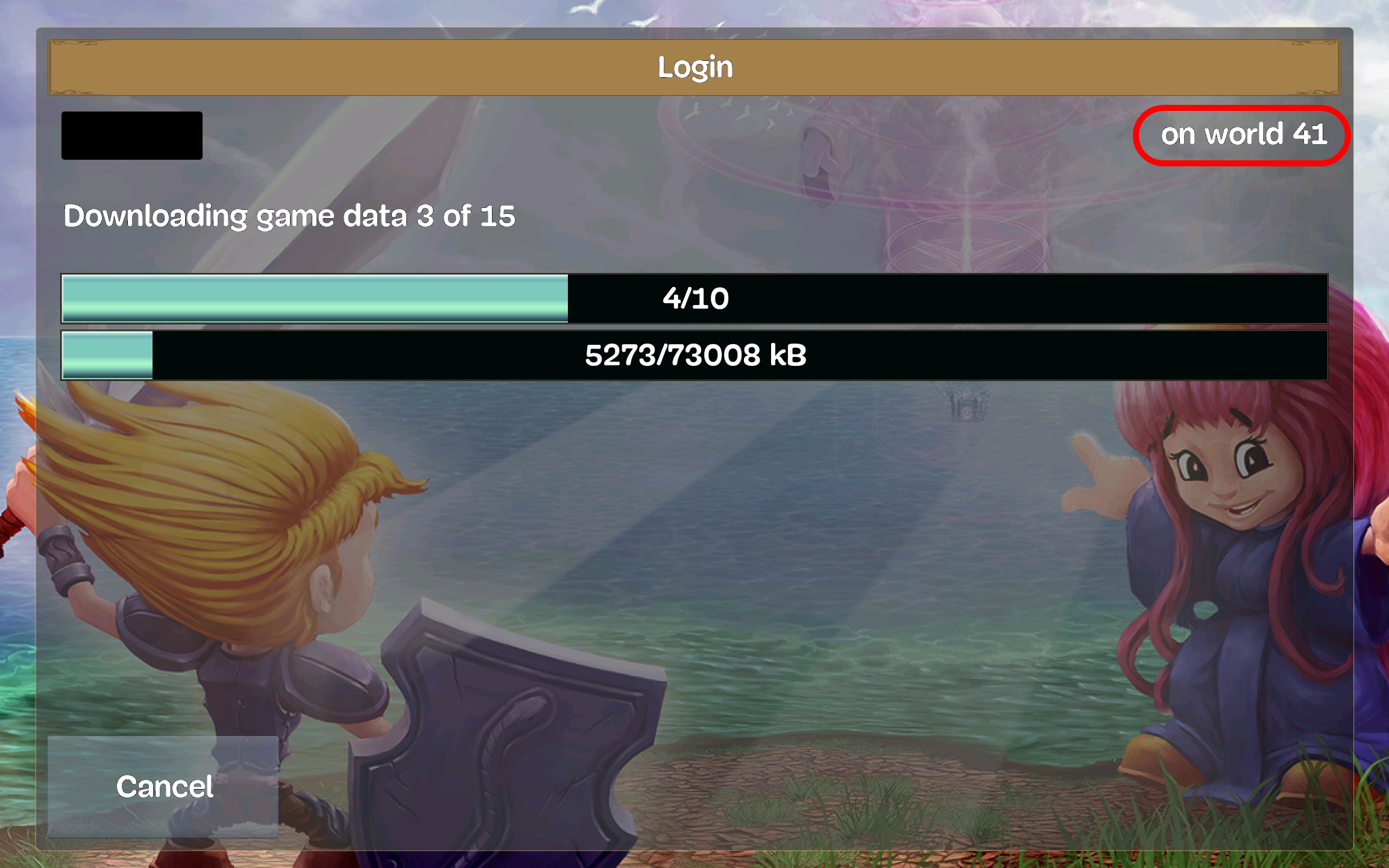
Important: Create your account in WORLD 41 first. This is necessary to download the game data.

Wait for Game Data Download
The game will start downloading the necessary data files. Wait for the download to complete.
Make sure you are connected to a stable internet connection (Wi-Fi recommended).
Verify that you are in World 41 during this process.
Log Into the Game
After the data installation is complete, log into the game normally to verify everything is working.
Remove the World 41 Account
Log out and go to the home screen where you see your account list.
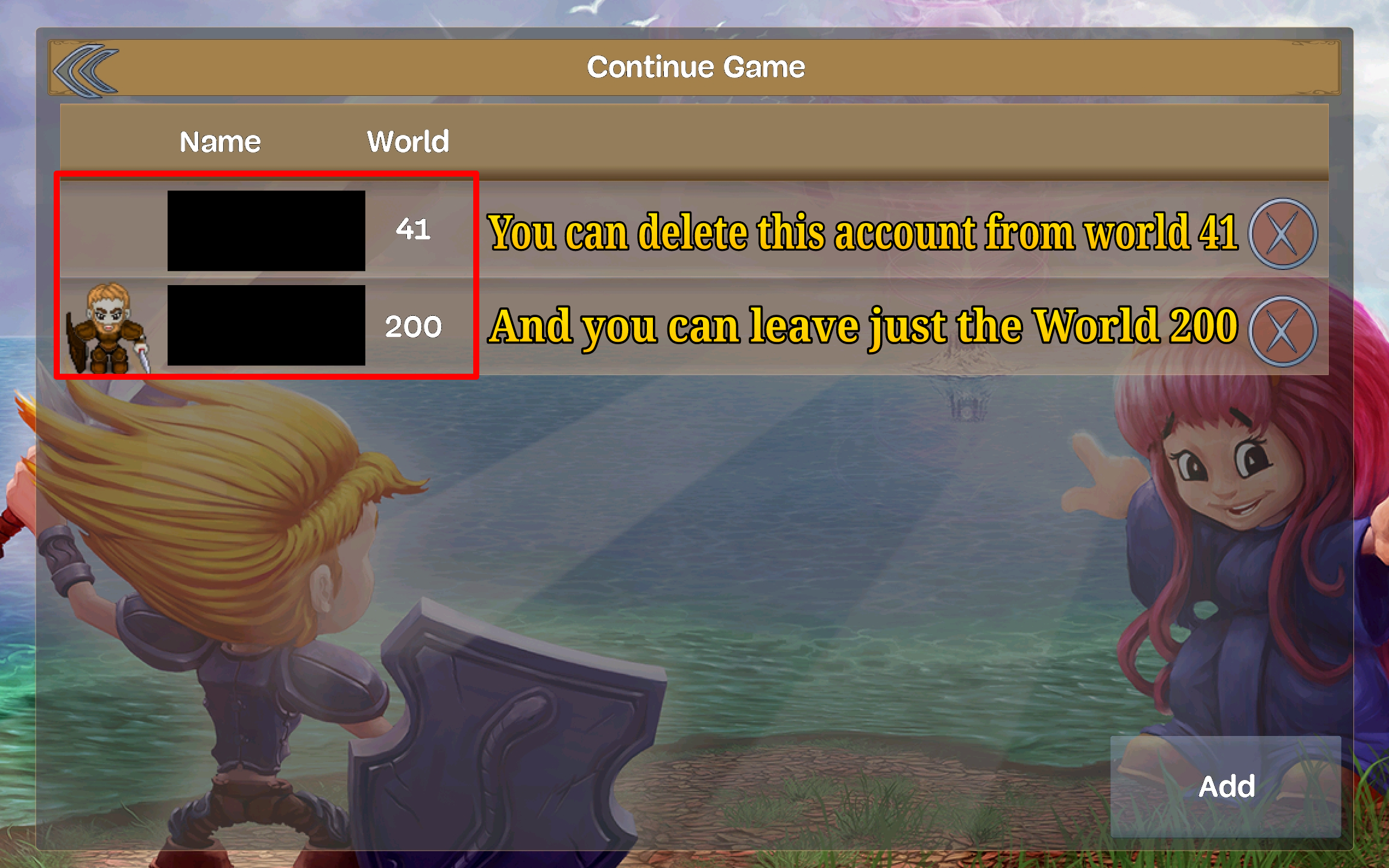
You will probably see two duplicate accounts : one in World 41 and one in World 200.
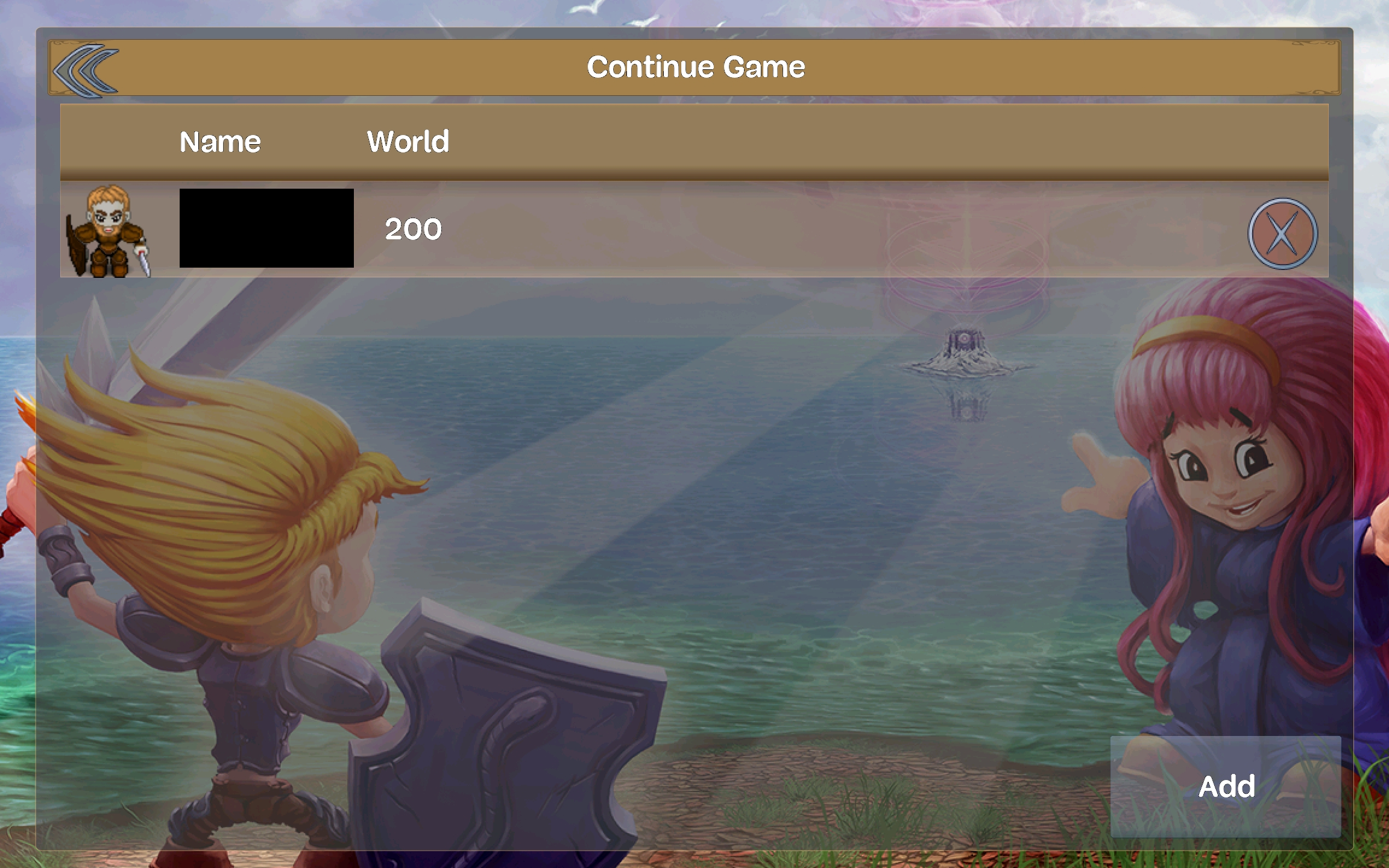
Delete the account from WORLD 41 from your character list.
Note: This will NOT delete your account from the game. It will only remove it from the local character list on your device.
Play on World 200!
Now log in to the World 200 account , and you will be able to play without any errors!
Enjoy your adventure in JTME Server !
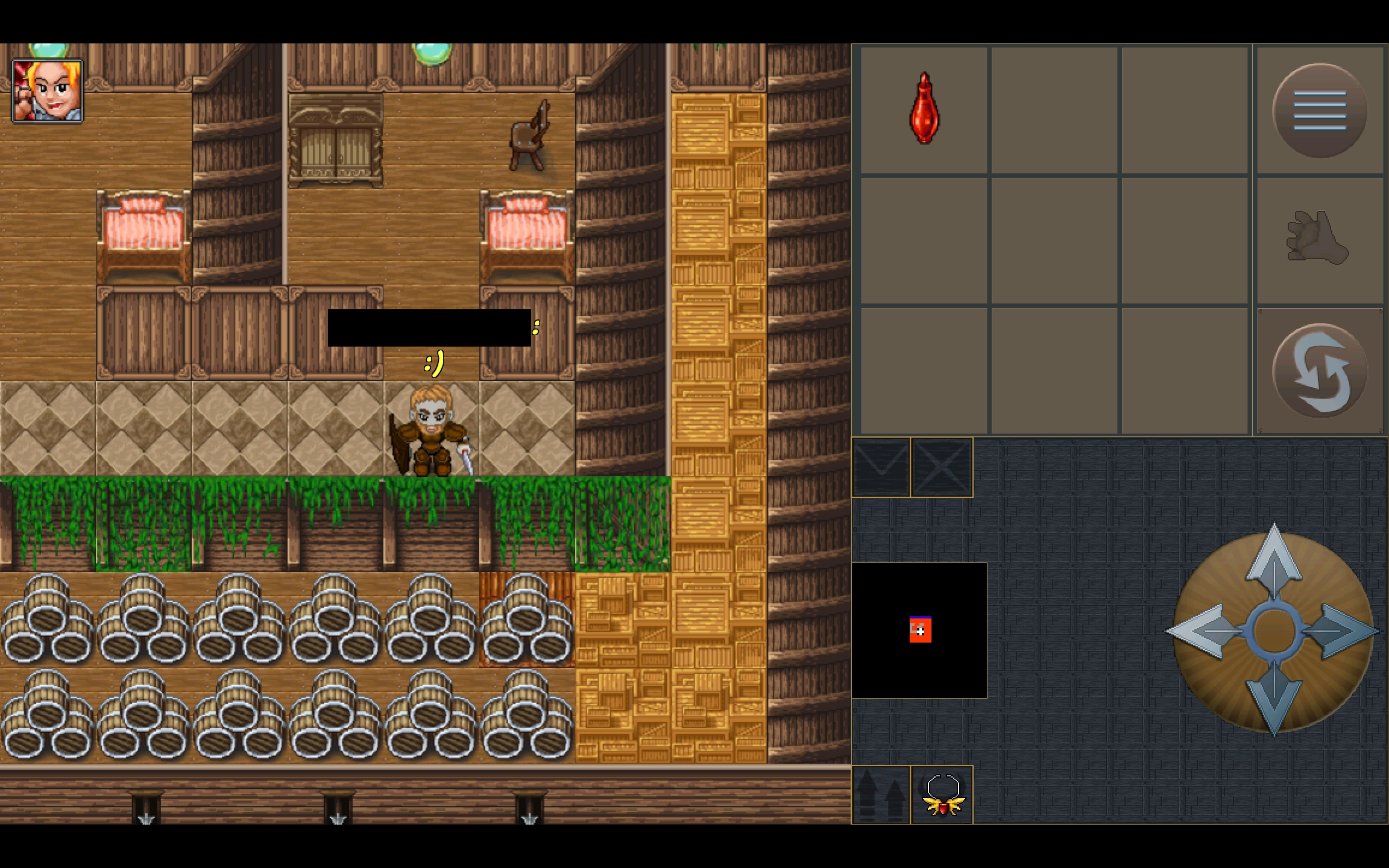
Installation Complete!
You have successfully installed JTME v2.30 on your Android device. Have fun playing!
Back to Downloads